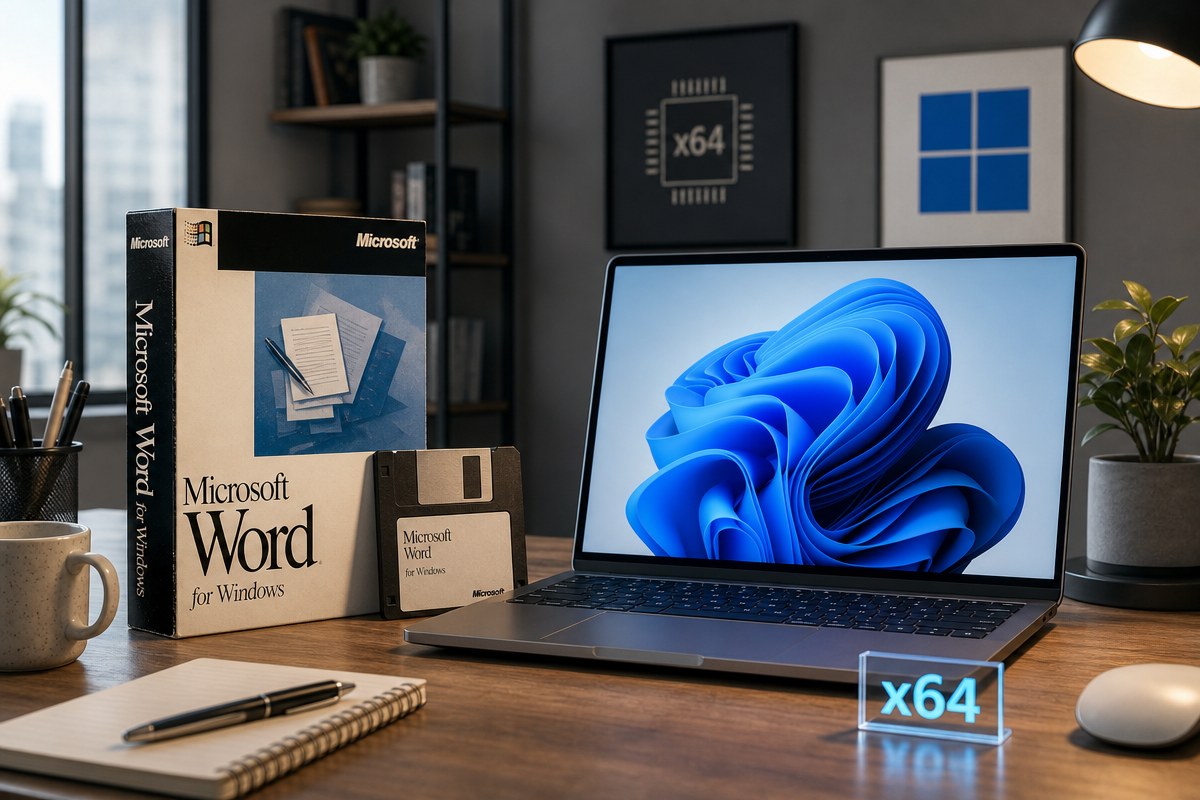
Thirty-five years after its initial rollout, a foundational piece of personal computing history has made an unexpected return to modern hardware. According to reports from TechSpot and Tom’s Hardware, developer Justin Marshall, known online as GitHub user jmarshall23, has successfully ported the 1990 release of Microsoft Word for Windows 1.1a to run natively as an x64 application on Windows 11.
The project, built from source code released by Microsoft in 2014, represents a true port rather than an emulation or a modern rewrite. Operating under the codename Opus, the software utilizes original C source code and asset files, combined with modern workarounds for legacy 16-bit architecture and Win16 platform boundaries, to execute directly on AMD64 processors.
As developer Justin Marshall detailed in his GitHub project documentation, the effort required bridging historic code structures with contemporary compilation tools. While the core C source code and resource files remain intact, Marshall had to address constraints tied to the legacy Win16 API by adapting specific routines to interact with the modern Win32 API.
Elements such as dialog boxes, cursors, and bitmaps were recreated using native host tools during the CMake build process. Marshall explained in the project notes that CMake catalogs the legacy assembly tree without compiling those specific modules into native targets, ensuring that all deployed code executes natively on AMD64 while preserving the historical implementation for reference.
Word for Windows debuted in 1989 to transition DOS-based word processing into graphical user interface environments, with version 1.1a arriving a year later to provide formal support for Windows 3.0. According to Tom’s Hardware, that specific 1990 release marked a significant milestone by bringing practical What You See Is What You Get (WYSIWYG) editing, along with graphic and table insertion capabilities, to personal computers running on single-digit megahertz CPUs and roughly 1MB of RAM.
The 2014 Source Code Release and Licensing Constraints
This technical feat relies entirely on an archive released by Microsoft in 2014. That package remains accessible through the Computer History Museum, providing a 7MB collection spanning 1,021 files across 33 folders. The bundle contains the original C source code, x86 assembly routines, build tools, and documentation that served as Marshall’s starting point.
However, practical application of the source material is bound by strict licensing terms. According to terms outlined by the Computer History Museum, the release permits non-commercial use only and explicitly prohibits uploading copies elsewhere on the web to redistribute rights to third parties. Consequently, while developers can download the files for personal experimentation, creating commercial products or widely distributing pre-built binaries is restricted.
Running the software today requires setting up a dedicated development environment rather than simply downloading an executable file. The GitHub repository does not provide pre-compiled binaries, meaning users must configure Visual Studio 2022 with desktop C++ development components, the Windows 10 or Windows 11 SDK, CMake version 3.25 or higher, and PowerShell to build the application from scratch.
A Retro Computing Contrast to Modern AI Integration
TechSpot noted that Marshall’s project offers a stark contrast to current software development trends, arriving at a time when Microsoft actively integrates artificial intelligence chatbots throughout the modern Microsoft 365 ecosystem. While current iterations of Word utilize large language models to draft and expand documents automatically, this project strips the word processor down to its foundational architecture from three decades ago.
Marshall has a history of reviving legacy software, having previously worked on projects that added ray tracing to Quake 1 and combined the Quake 4 SDK with the Doom 3 graphics engine. Similar preservation efforts have emerged across the tech community; earlier this year, XDA Developers highlighted a project that readapted a 30-year-old version of GIMP—originally used to design the Tux the Penguin mascot—to run on modern Linux distributions.
As open-source developers continue to explore legacy software preservation under non-commercial licenses, projects like the x64 port of Word 1.1a demonstrate how vintage applications can be coaxed onto modern operating systems through careful adaptation of build pipelines and API translation.
Readers interested in following ongoing software preservation projects can monitor developer repositories on GitHub or check technical summaries published by hardware and software analysis outlets. Please share your thoughts on this retro computing project in the comments below.