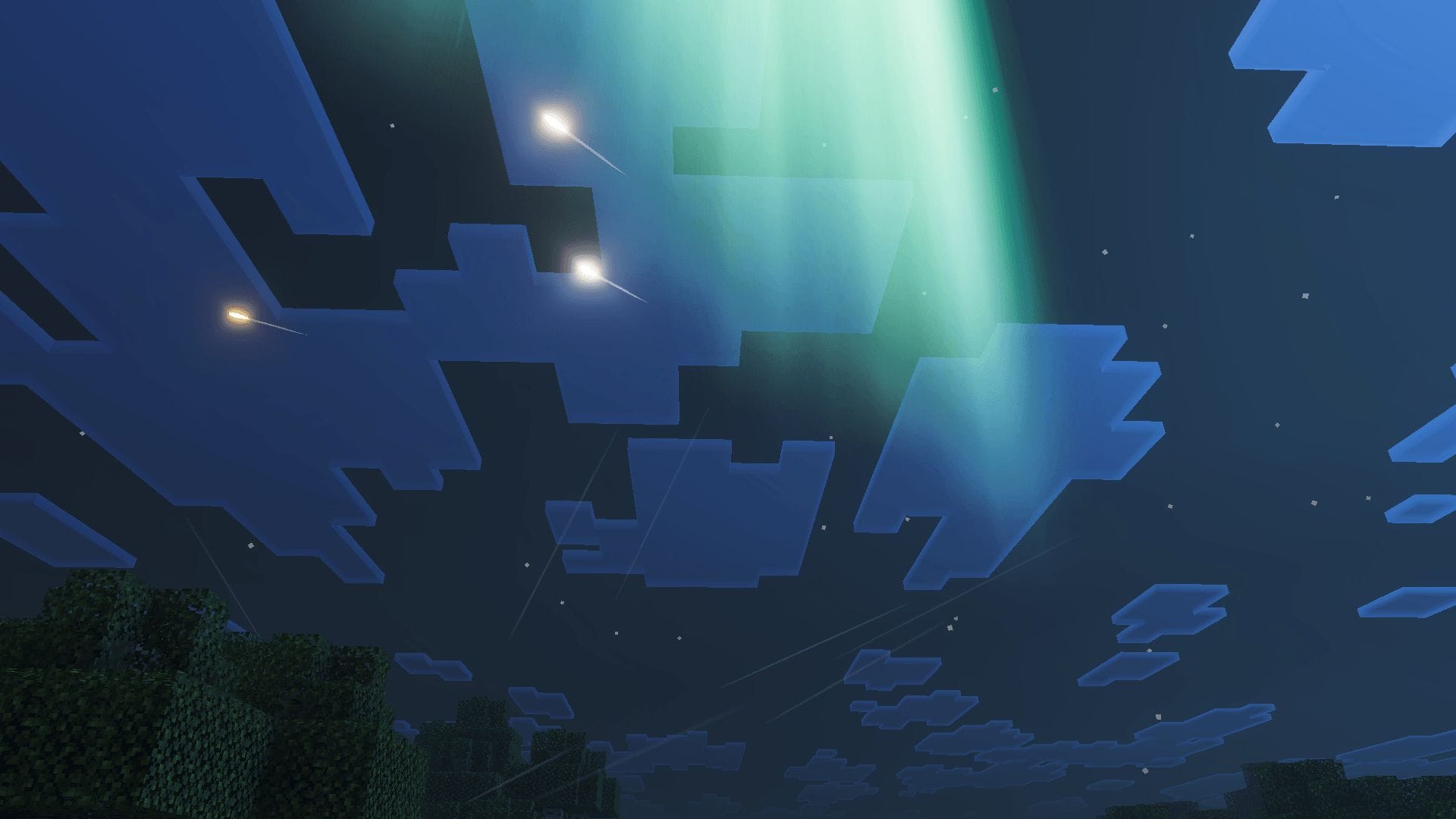
For players looking to refresh their visual experience, selecting the 5 best Minecraft Bedrock texture packs in 2026 involves balancing artistic vision with the platform’s unique performance requirements. While the classic aesthetic remains a staple of the sandbox experience, the Minecraft Marketplace provides an expansive library of community-created assets that allow users to redefine their worlds, from photorealistic landscapes to stylized, cartoon-inspired environments.
As the official Minecraft Marketplace continues to host a wide range of free and paid add-ons, players can now customize their Bedrock Edition experience with greater flexibility than ever before. Choosing the right pack often depends on whether a player prefers to maintain the game’s original blocky charm or shift toward a more immersive, high-definition atmosphere. According to official developer resources, these modifications are designed to integrate seamlessly across the various platforms supported by the Bedrock engine, ensuring that your chosen aesthetic remains consistent whether you are playing on a console, mobile device, or PC.
Why Texture Packs Matter for Modern Gameplay
Texture packs, often referred to as resource packs, alter the visual appearance of blocks, items, entities, and the user interface. In the current iteration of the game, these packs allow for more than just a simple color swap; many modern offerings include custom shaders, lighting effects, and high-resolution textures that push the limits of the game’s engine. For those engaged in the creative mode, these visual changes can be the difference between a standard build and a cinematic masterpiece.
The Minecraft Marketplace acts as the primary hub for these assets. By visiting the official portal, players can browse through categories that distinguish between community-made projects and official collaborations. This centralized approach ensures that players can safely download content that is optimized for their specific version of the game, avoiding the risks associated with third-party sites that may not be verified for compatibility.
Top 5 Texture Pack Categories to Enhance Your Experience
While the “best” pack is subjective, the following categories represent the most popular and highly-rated styles currently available through official channels. These selections focus on performance, artistic consistency, and community reception as of June 2026.
- Photorealistic Packs: These packs utilize high-resolution textures to make the environment look like the real world. They are best suited for players with hardware capable of handling increased graphical demands.
- Stylized/Cartoon Packs: Often featuring vibrant colors and simplified shapes, these packs are excellent for players who want a “cleaner” look that remains true to the game’s original spirit.
- Medieval and Fantasy Packs: Designed to transform the Overworld into a setting reminiscent of historical or fantasy epics, these often include custom textures for stone, wood, and armor.
- Minimalist Packs: These focus on removing visual noise, offering a sleek, modern, and often monochromatic look that can help with focus during high-intensity survival sessions.
- Sci-Fi and Futuristic Packs: Perfect for players building space stations or neon-lit cities, these packs replace standard textures with metallic surfaces, glowing lights, and technological motifs.
How to Install and Manage Your Assets
Managing your texture packs is a straightforward process within the Bedrock Edition. After purchasing or downloading a pack from the Marketplace, it will appear in your “My Packs” section. To apply a pack, you must navigate to the settings of an individual world or the global resource pack menu. This allows you to stack multiple packs, prioritizing one over the other to achieve a specific look.
For those who encounter issues or wish to revert to the default look, the game provides an easy way to deactivate or delete packs. It is recommended to check for updates regularly, as creators frequently release patches to ensure their textures remain compatible with the latest game updates and new block types added by Mojang. Detailed instructions for managing these files are available through the official support documentation provided by the developers.
What Happens Next in Minecraft Development
The landscape for Minecraft visual customization is constantly evolving. With the introduction of new content, such as recent updates involving competitive multiplayer modes like GenWars and specialized DLCs, the demand for high-quality, compatible texture packs is expected to grow. Players should keep an eye on the official Minecraft news feed for announcements regarding new engine capabilities that may allow for even more sophisticated texture and shader integration in future patches.
As we move through the remainder of 2026, the focus remains on enhancing the versatility of the Bedrock platform. Whether you are a long-time veteran or a newcomer to the Overworld, the ability to tailor your environment ensures that the sandbox experience remains fresh. We encourage readers to explore the Marketplace, experiment with different styles, and share their favorite configurations in the comments section below. Stay tuned for the next official update on game features and content releases.
Keep reading