Galaxy S23 Series Receives Major One UI 8 Update – Here’s What’s New
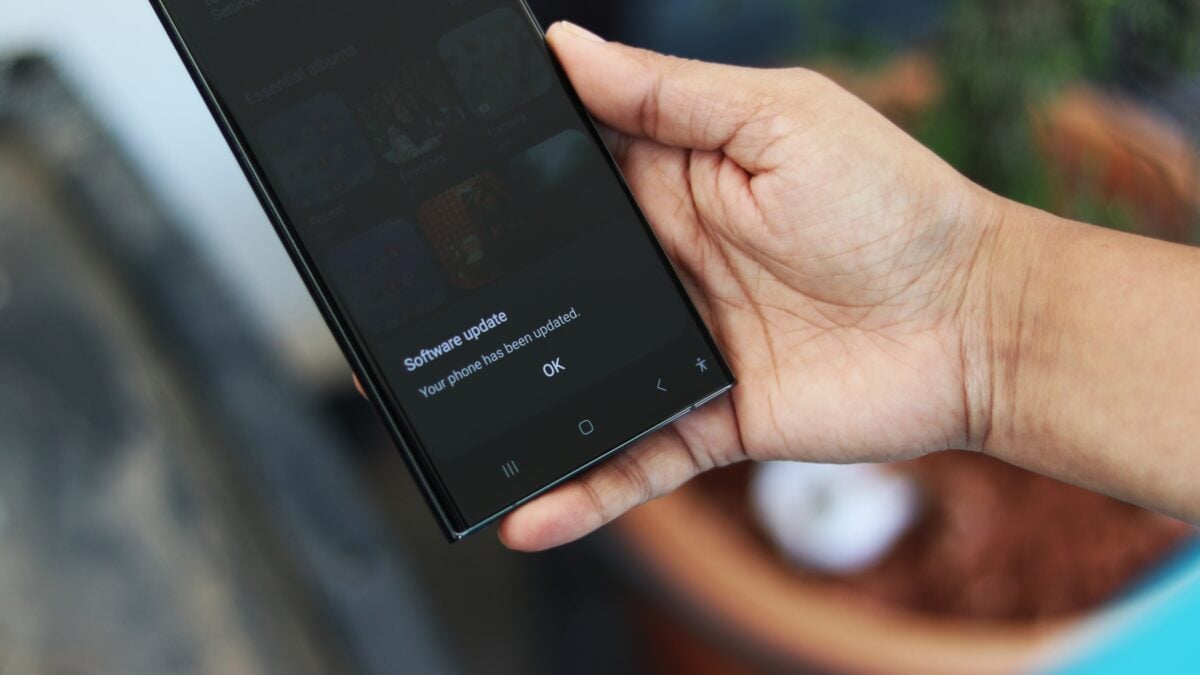
Good news for Galaxy S23 owners in South Korea! A substantial software update is rolling out now, bringing with it the latest One UI 8 experience. This update, weighing in around 3GB, carries firmware version S91xNKSU6EYI7. If you’re eager to experience the improvements, here’s everything you need to know.
Checking for the Update
Getting the new features on your device is simple. Just follow these steps:
- Navigate to Settings on your phone.
- Select Software update.
- Tap Download and install.
Once the download completes, simply tap Install now and let your phone restart. The process should take just a few minutes.
Global Rollout Imminent
currently, the update is available in South Korea, but don’t worry if you’re elsewhere. Expect the rollout to expand to other regions in the coming days. Keep in mind that availability will vary by contry and carrier.
What Does One UI 8 Bring to the Table?
One UI 8, built on Android 16, represents a significant leap forward for your Galaxy experience. Samsung has focused on enhancing security, productivity, and overall usability. Here’s a detailed look at the key improvements:
* Enhanced Security: Your sensitive data gets an extra layer of protection with a more secure version of Secure Folder.
* Revamped DeX: Experience a more seamless desktop habitat with a new DeX experience powered by Android 16’s Desktop Mode.
* Redesigned Browser: Enjoy a faster and more intuitive browsing experience with the redesigned Samsung Internet browser.
* Rapid Share Improvements: Sharing files and content with nearby devices is now even easier and more efficient.
* Smarter Organization: Alarms, Calendar, and Reminders now offer better management features to help you stay on top of your schedule.
* Customizable Routines: Modes and Routines have been expanded with new actions and conditions, allowing for greater personalization.
* Camera Enhancements: A new gesture provides quick access to essential camera controls, making it easier to capture the perfect shot.
* Improved Bluetooth Audio: bluetooth Aurcast audio casting support has been refined for a more reliable and high-quality audio experience.
* Beautiful Weather App: The Weather app boasts a refreshed design with improved graphics, providing a more visually appealing and informative forecast.
This update isn’t just about new features; it’s about refining the entire user experience. Samsung has clearly listened to user feedback and delivered a polished and feature-rich update.
For a thorough list of all the changes, you can find the full changelog here.
Prepare to enjoy a more secure, efficient, and personalized Galaxy experience with One UI 8!
Worth a look