
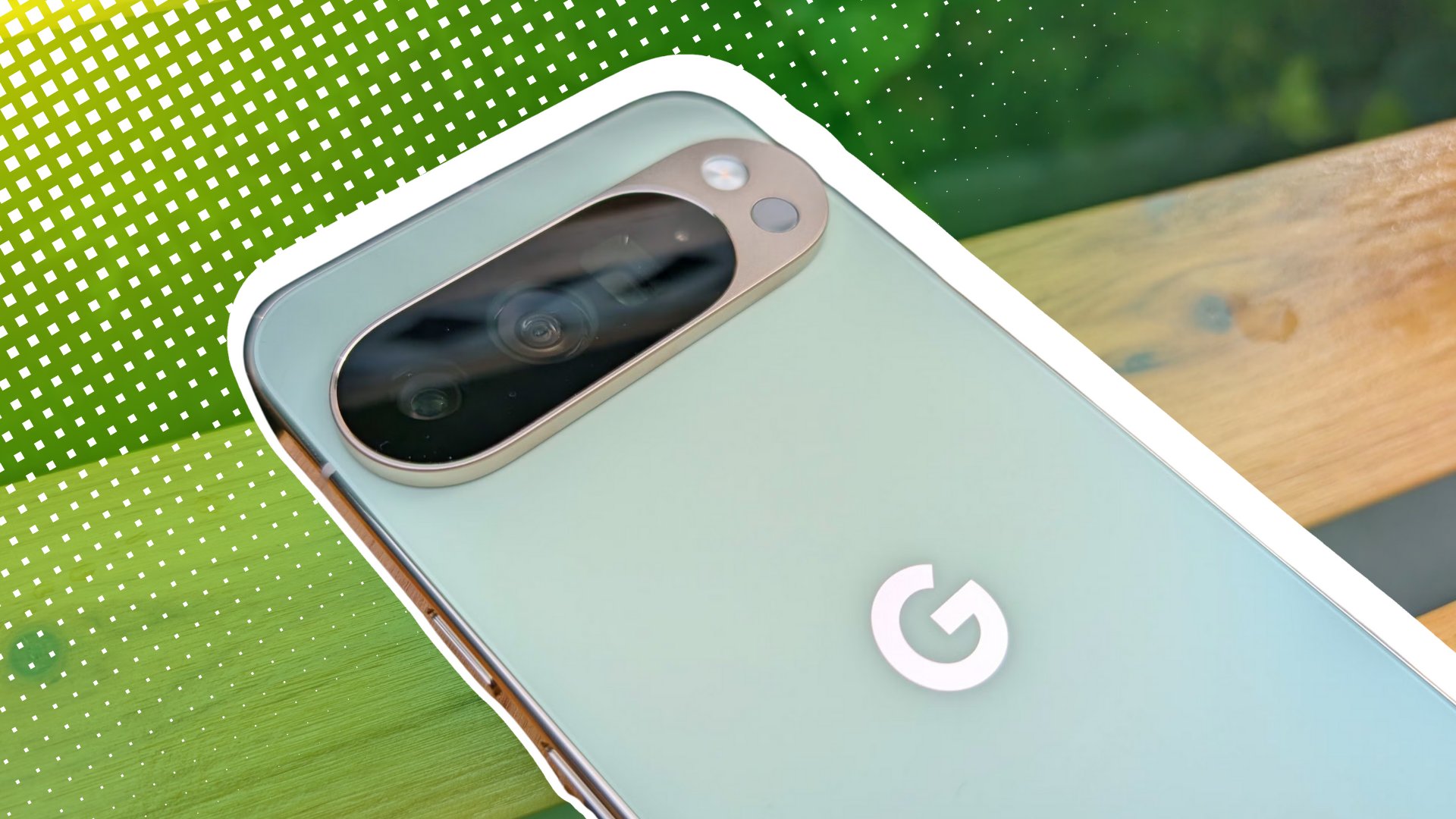
Pixel 10 users are reporting unexpected issues with Google Maps navigation, sparking frustration among owners of Google’s latest flagship smartphones. The problems appear to center around the device’s power-saving mode feature, which was recently rolled out to the Pixel 10 series in late 2025. Even as intended to extend battery life during driving navigation, some users have encountered malfunctions that disrupt the core functionality of the app.
The core issue involves the power-saving mode in Google Maps, which according to Google’s support documentation is exclusive to the Pixel 10, Pixel 10 Pro, Pixel 10 Pro XL, and Pixel 10 Pro Fold models. This feature activates a simplified, low-power map display on the lock screen when the power button is pressed during driving navigation, showing only essential information like upcoming turns. However, multiple user reports indicate that after enabling this mode, the standard navigation interface fails to resume properly when attempting to exit, leaving drivers without visual guidance.
Google’s official support page confirms that power-saving mode is enabled by default following a server-side update and can be toggled off through the app’s settings under Navigation > Driving options. The feature is designed to function only in portrait orientation and during driving mode, with no support for walking, biking, or cycling navigation. Despite these limitations, users have reported that the mode sometimes activates unexpectedly or fails to deactivate when the destination is reached, contrary to Google’s claim that it automatically turns off upon arrival.
Battery life claims associated with the feature state up to four additional hours of usage based on testing conducted in California in late 2025 with display brightness set at 90% and adaptive brightness disabled. However, actual savings vary depending on individual display settings, traffic conditions, and other environmental factors, as noted in the official documentation. These technical specifications have not prevented user dissatisfaction, particularly when the feature interferes with navigation reliability during critical moments of travel.
User Experience and Reported Malfunctions
Owners of Pixel 10 devices have taken to online forums to describe instances where pressing the power button to access the simplified map view resulted in the screen freezing or becoming unresponsive. In some cases, users reported needing to force-restart their devices to regain control of the navigation interface. Others noted that while the power-saving mode activated correctly, the return to full navigation view either did not occur or displayed outdated route information, creating safety concerns during active driving.

The inconsistency in behavior has led to confusion about whether the issue stems from a software bug, a conflict with device settings, or an incomplete server-side rollout. Google has not issued a public statement addressing widespread malfunctions, though the feature’s support page advises users to toggle the setting off if they experience problems. This troubleshooting step suggests the company is aware of potential instability, even as it continues to promote the feature as a battery-saving enhancement.
Further complicating the matter is the lack of alternative navigation modes that support similar power-saving functionality. Unlike driving navigation, walking and biking directions do not offer a comparable low-power lock screen view, leaving users who rely on those modes without equivalent battery optimization options. This limitation has drawn criticism from users who perceive the feature’s restrictions undermine its utility, particularly for multimodal commuters who switch between transportation methods throughout the day.
Technical Limitations and Design Constraints
Google’s implementation of power-saving mode includes several deliberate restrictions that shape its usability. The feature is unavailable in landscape orientation, requiring users to hold their devices vertically to activate or maintain the simplified display. Certain interface elements are removed in this mode, including the Google Assistant/Gemini button, floating action buttons (FABs), and current speed readouts, though the system status bar and next-turn indicators remain visible.
These design choices aim to minimize power consumption by reducing screen complexity and disabling non-essential processes. However, the removal of interactive controls has been cited by users as a drawback when quick access to voice commands or route adjustments is needed. The inability to view real-time speed data too limits functionality for drivers who rely on that information for compliance with speed limits or adaptive cruise control systems.
Despite these constraints, Google maintains that the mode significantly extends battery life during extended drives, particularly beneficial for long-distance travelers or those using older battery configurations. The company recommends keeping adaptive brightness disabled and screen brightness at moderate levels to maximize savings, though these recommendations may conflict with user preferences for visibility in bright outdoor conditions.
Official Guidance and Troubleshooting Steps
For users experiencing difficulties, Google provides clear instructions to disable power-saving mode through the Google Maps application. By accessing the profile menu, navigating to Settings, then selecting Navigation and locating the “Driving options” section, users can toggle the feature off. The company emphasizes that this setting is server-side controlled and may re-enable automatically after updates, requiring periodic verification by users who prefer to preserve it disabled.

Google also advises that authenticating the device—via face unlock, fingerprint, or passcode—is necessary to exit power-saving mode and return to the standard interface. This security step ensures that only authorized users can restore full navigation functionality, though it adds an extra layer of interaction that some find inconvenient during active driving. The support documentation notes that tapping the screen or pressing the power button again will return users to the rich navigation view after authentication.
As of the latest available information, no formal recall or widespread software patch has been announced to address reported malfunctions. Users encountering persistent issues are encouraged to provide feedback through the Google Maps app’s built-in feedback tool or consult the Pixel Community Help Center for model-specific guidance. Until further updates are released, disabling the feature remains the primary recommended solution for those affected by navigation disruptions.
For ongoing developments regarding Pixel 10 software performance and Google Maps functionality, users should monitor official channels including the Google Pixel Blog and Android Enterprise updates. These platforms typically announce bug fixes, feature adjustments, and security patches that may resolve current inconsistencies with power-saving mode.
Have you experienced issues with Google Maps power-saving mode on your Pixel 10? Share your experience in the comments below to help others navigate similar challenges. If you found this information useful, consider sharing it with fellow Pixel owners who may be encountering the same frustrations.