November pixel Update: Enhanced Efficiency, Camera Fixes, and Reliability Improvements
Google has released teh latest security patch for Pixel devices, bringing a suite of improvements focused on battery life, camera performance, and overall system stability. this update addresses several reported issues impacting a range of Pixel phones, aiming to deliver a smoother and more reliable user experience. LetS dive into the details of what you can expect.
What’s New in This Update?
The November update isn’t just about security; it’s a comprehensive refinement of your Pixel’s core functionality. Several key areas have been targeted for betterment, ensuring your device operates at its best.
* Improved Battery and Charging: You’ll notice general enhancements to both charging speeds and battery efficiency. These optimizations are designed to extend your device’s runtime between charges.
* Camera Enhancements: A noticeable bug affecting the ultrawide and telephoto lenses has been resolved. Previously, some users experienced rainbow-like color artifacts in specific shooting conditions; this is now fixed.
* Webcam Mode Correction: Issues with webcam mode functionality when connecting your Pixel to external devices have been addressed. You can now reliably use your Pixel as a webcam.
* App Loading Stability: The update tackles a bug that occasionally prevented apps from loading correctly, ensuring a more consistent app experience.
* Emergency Calling Reliability: Critical improvements have been made to emergency calling, enhancing stability and ensuring reliable performance when you need it most.
Detailed Changelog Breakdown
Here’s a more granular look at the specific fixes included in this release:
Audio
* Fixed an issue that caused occasional system instability and performance slowdowns under certain conditions.
Battery & Charging
* General improvements have been implemented for charging and battery usage.
Camera
* Fixed an issue where photos captured with ultra-wide or telephoto lenses displayed rainbow-like color patterns in certain scenarios.
Framework
* Resolved an issue that prevented some apps from loading in specific situations.
* Fixed a malfunction where webcam mode didn’t function properly with connected devices.
Telephony
* Fixed instability and intermittent problems with emergency calling functionality under certain conditions.
Which Pixels Are Supported?
The update is rolling out to a wide range of Pixel devices, but availability varies by model and region. Here’s a breakdown of the supported devices and their corresponding build numbers:
Global
* Pixel 7a: BP3A.251105.015
* Pixel Tablet: BP3A.251105.013.A1
* Pixel Fold: BP3A.251105.015
* Pixel 8 / 8 Pro / 8a / 9 / 9 Pro / 9 Pro XL / 9 Pro Fold / 9a: BP3A.251105.015
* pixel 10 / 10 Pro / 10 Pro XL / 10 Pro Fold: BD3A.251105.010.E1
Japan
* Pixel 9a: BP3A.251105.015.J1
* Pixel 10 / 10 Pro / 10 Pro XL / 10 Pro Fold: BD3A.251105.010.F1
* Japan (SoftBank, Y!mobile)
* Pixel 9a: BP3A.251105.015.J1
* Pixel 10 / 10 Pro / 10 Pro XL / 10 Pro Fold: BD3A.251105.010.J3
How to Update Your Pixel
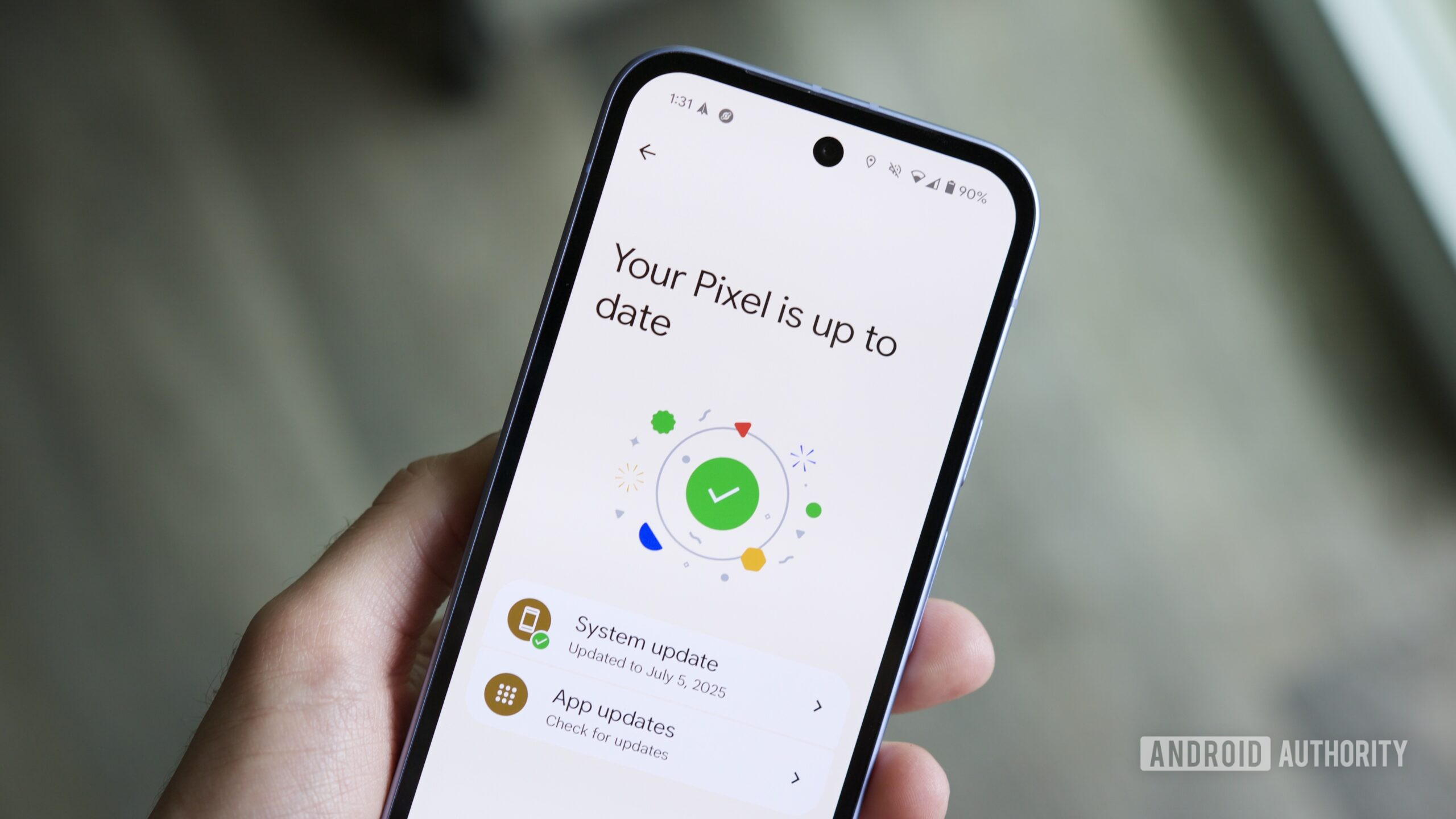
Updating your Pixel is a straightforward process. Google is deploying the update in phases,so it may not be immediately available for your device. However, you can manually check for the update by following these steps:
- Open your
Keep reading