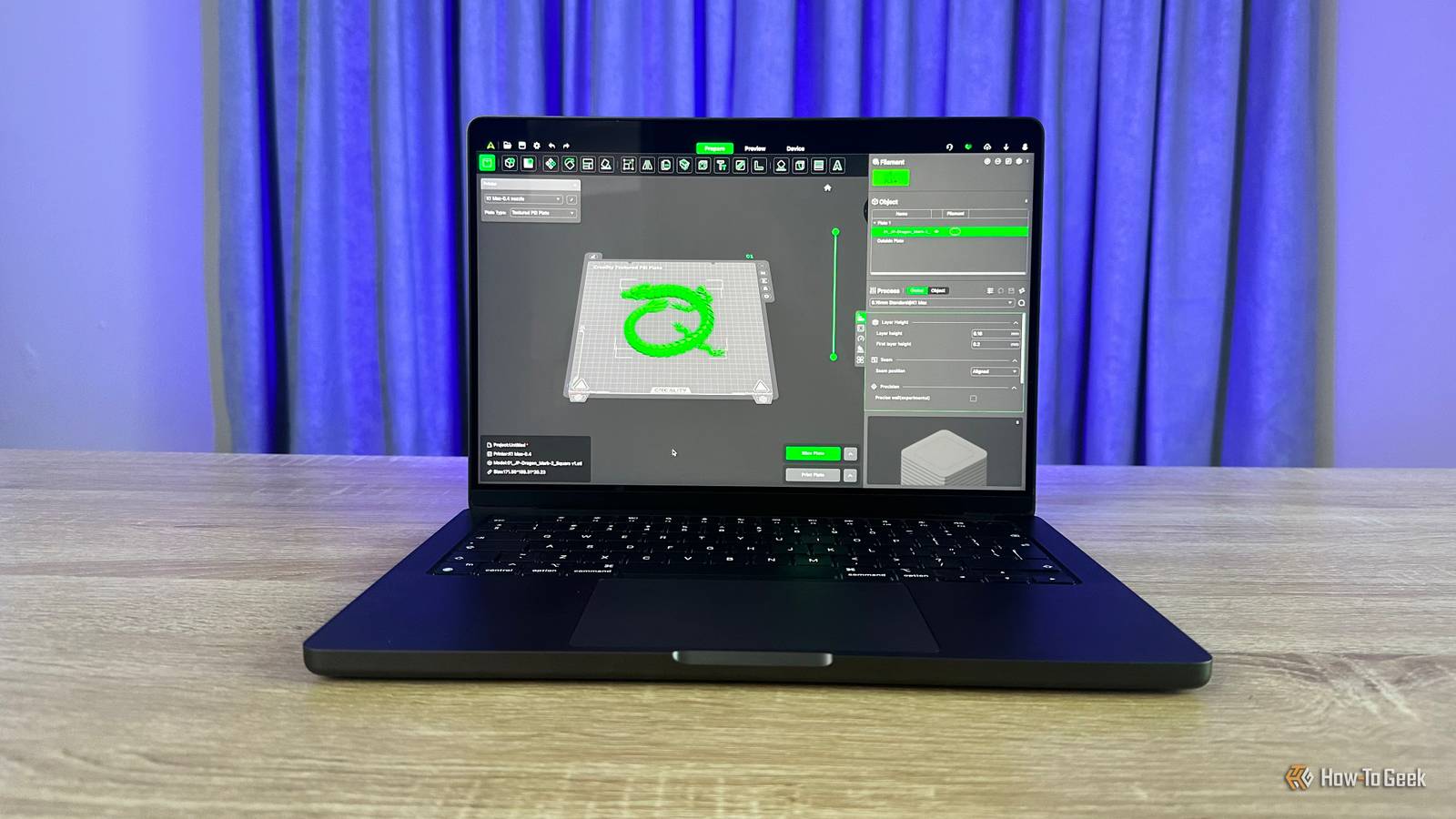
The Shifting Definition of a “Pro” Laptop: What You Really Need
For years, the term “pro” laptop has been thrown around, often accompanied by a hefty price tag. But what does it actually mean in today’s tech landscape? The answer is evolving, and it’s crucial you understand the changes before making your next purchase.
Traditionally, a “pro” laptop implied a machine capable of handling demanding tasks like video editing, 3D rendering, or complex simulations. these were the tools of creative professionals and engineers. However, the baseline capabilities of even mainstream laptops have dramatically increased.
The Rising Tide of Computer Performance
This isn’t about laptops suddenly becoming inherently more “professional.” It’s about the overall floor of computer performance steadily climbing. You can now accomplish tasks on a mid-range laptop that once required a dedicated workstation.
Furthermore, cloud computing has fundamentally altered the equation.Increasingly, you can offload processing-intensive work to the cloud, turning your laptop into a streamlined portal. This means the computer itself doesn’t need to shoulder the entire burden.
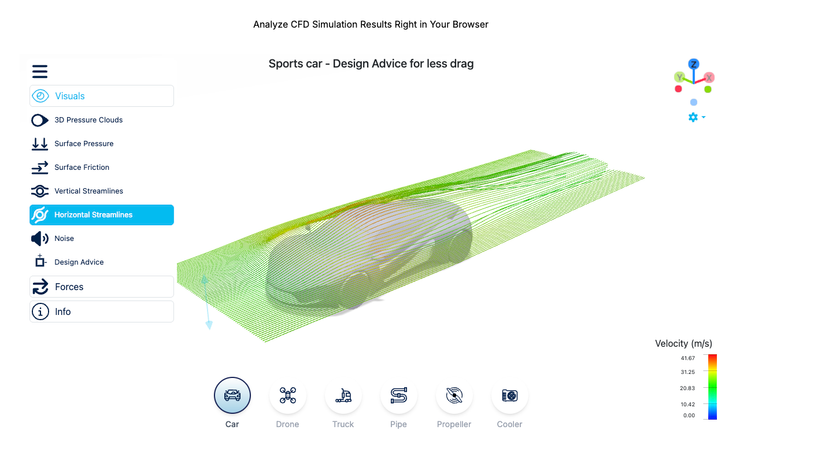 image depicting a wind tunnel simulation performed via cloud computing.
What Does “Pro” Really Mean Now?
So, why does this distinction matter? It boils down to understanding what you need from a laptop and how it’s being marketed. “Pro” has largely become a lifestyle label. It’s an aesthetic, a branding exercise, and a price point.
Don’t assume it automatically equates to professional-grade performance. Some may find this obvious, but the label is frequently enough taken literally, especially when justifying a high cost.
Here’s a breakdown of what to consider:
* Your Workflow: What software do you use daily? What are the specific demands of your tasks?
* Budget: How much are you willing to spend? Don’t overspend on features you won’t utilize.
* Portability: Do you need a lightweight machine for travel, or will it primarily stay on a desk?
* Cloud Integration: Can you leverage cloud services to offload demanding tasks?
Focus on Functionality, Not Labels
Don’t rely on marketing labels to determine if a laptop is right for you. Professionals prioritize hardware that seamlessly integrates into their workflow at the best possible price.
It doesn’t need to be flashy or trendy. It simply needs to reliably deliver results,on time,every time. Consider these points when evaluating your options:
* Prioritize performance where it matters most. Focus on the components that directly impact your key tasks (CPU, GPU, RAM, storage).
* Don’t be afraid to mix and match. A slightly older model with the right specs can frequently enough outperform a newer, “pro” laptop with less relevant features.
* Read reviews from users in your field. Their experiences will provide valuable insights into real-world performance.
Ultimately, the best laptop for you is the one that empowers you to do your best work, irrespective of whether it carries a “pro” label. Focus on functionality, prioritize your needs, and make an informed decision based on your unique requirements.
Keep reading