Proton Mail‘s redesigned App: A Deep Dive into Performance and Privacy
proton Mail has recently rolled out a significant update to its mobile app, bringing a fresh design and under-the-hood improvements. I’ve been testing the new version extensively, and here’s a detailed look at what you can expect. this update focuses on both enhancing user experience and bolstering the platform’s commitment to privacy.
Performance Improvements: A Noticeable Boost
Generally,the app feels snappier,particularly on iOS devices. You’ll likely notice quicker response times when composing emails and navigating your inbox. While my older Android phone doesn’t showcase the same dramatic improvements, reports from other users suggest a positive performance shift across the board.
Though, there’s a trade-off. Settings pages are currently loading a bit slower than before, impacting both iOS and Android. This is due to the app’s synchronization with the webmail client.
Settings and Offline Access: Understanding the Changes
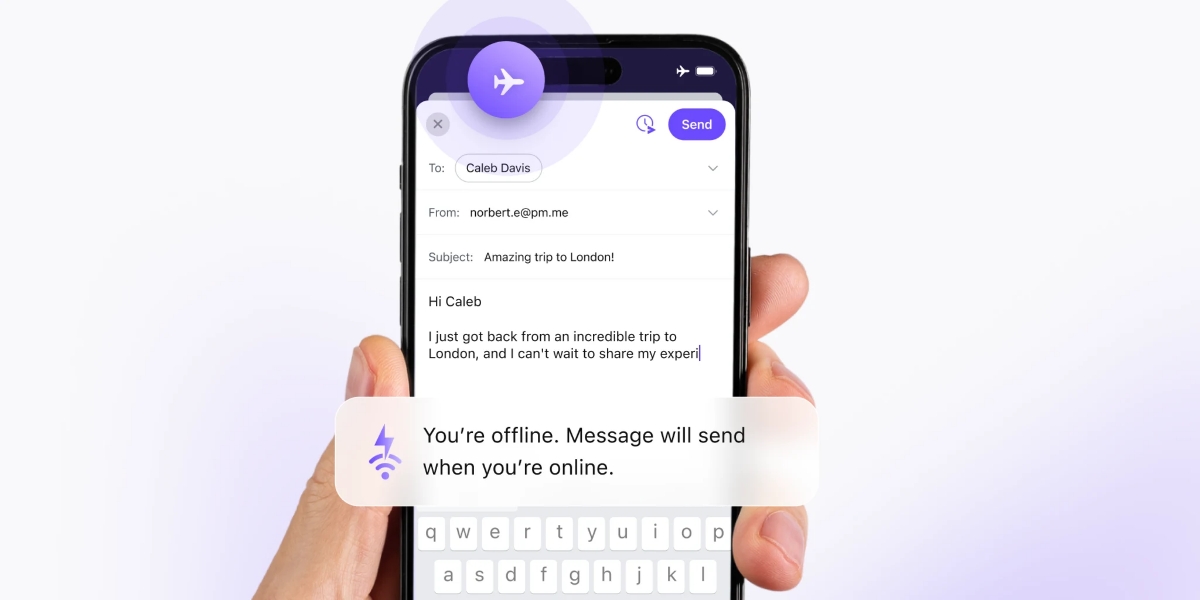
Essentially,moast settings now require an active internet connection to modify. You won’t be able to adjust core preferences while offline, with the exception of basic app customizations. This synchronization ensures consistency across all your devices, but it’s something to keep in mind if you frequently use Proton Mail in areas with limited connectivity.
Here’s a breakdown of what you can expect:
* Online Access Required: Most settings, including those related to security and privacy, need an internet connection.
* Offline Customization: you can still personalize the app’s appearance and behavior without being online.
* Synchronization: The app prioritizes keeping your settings consistent across web and mobile platforms.
A closer Look at the New Design
The redesigned settings menu offers a cleaner, more intuitive layout. It’s easier to find the options you need,and the visual presentation is more modern. The privacy settings, in particular, have been reorganized for clarity.
Here’s what I’ve found to be particularly helpful:
* Improved Navigation: Finding specific settings is now much more straightforward.
* Enhanced Privacy Controls: Privacy options are clearly labeled and easily accessible.
* Modern Aesthetics: The overall design feels polished and user-friendly.
Getting the Latest Version
You can download or update Proton Mail through your device’s app store:
* iOS: Apple App Store
* Android: Google Play Store
For Android users,version 7.0.10 is still rolling out. If you’re eager to get your hands on it immediately, you can sideload the app directly from the GitHub releases page.
No AI Features – Yet
Currently,the updated app doesn’t include any artificial intelligence-powered features. proton Mail remains focused on its core principles of security and privacy, and it appears they’re taking a cautious approach to integrating AI technologies.
What Do You Think?
Ultimately, the redesigned Proton Mail app represents a step forward in terms of usability and performance. While the slower settings load times are a minor inconvenience, the benefits of a faster, more intuitive experience outweigh the drawbacks. I’m curious to hear your thoughts – do you like the new design and the changes that have been implemented?
Related reading