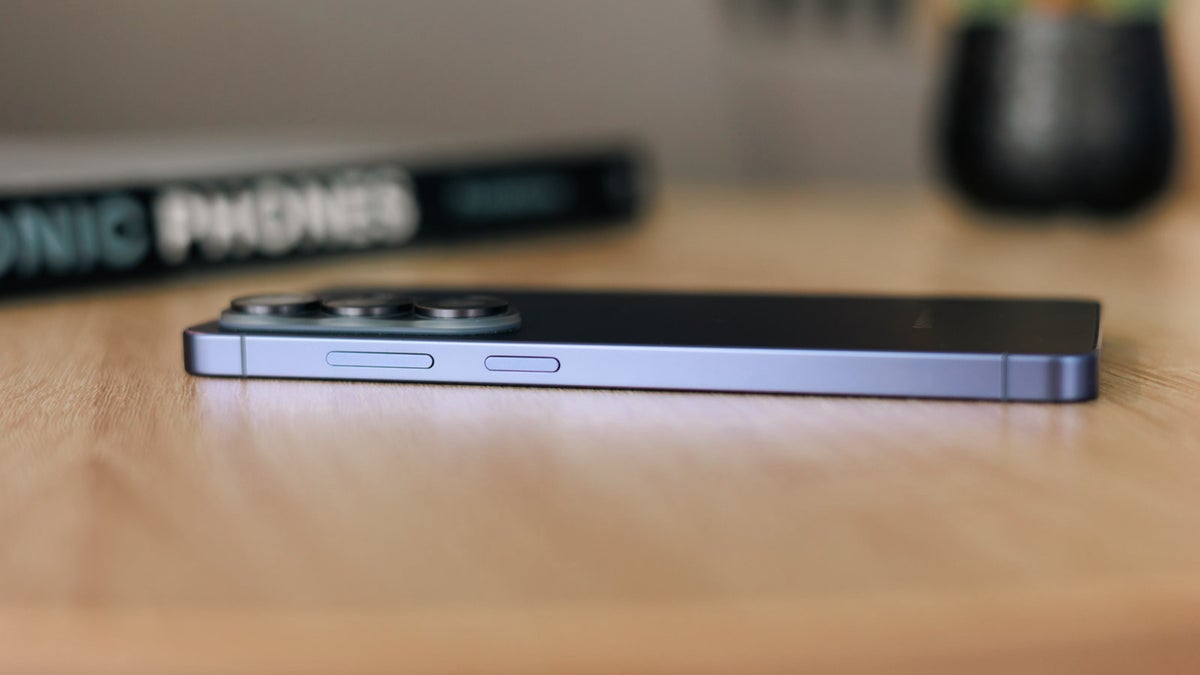
As smartphone theft continues to challenge manufacturers and law enforcement alike, Samsung has introduced a critical security refinement that aims to close a long-standing vulnerability. For years, one of the most common tactics employed by thieves after snatching a device was to immediately force it into a powered-off state or disconnect it from the network. This move effectively bypassed many remote tracking features, leaving owners with little hope of recovery. With the latest iterations of its mobile software, Samsung is quietly changing the calculus, ensuring that a stolen device remains a digital beacon rather than a paperweight.
The update, which is arriving as part of the broader evolution of the One UI interface, addresses the specific mechanics that allowed a snatched phone to go dark fast. By restricting access to power-related functions and network toggles while the device is locked, the company is making it significantly harder for unauthorized users to sever the link between the hardware and its owner. This development is part of a wider industry trend toward “theft protection” features that prioritize device security over convenience in high-risk scenarios.
Securing the Power Menu: A Strategic Shift
In previous versions of Android and Samsung’s custom interface, the power menu was often accessible from the lock screen, allowing anyone holding the device to initiate a shutdown or toggle Airplane Mode. This functionality, while convenient for the average user, became a primary tool for bad actors looking to prevent remote tracking via services like Samsung’s “SmartThings Find” or Google’s “Find My Device.” By requiring authentication—such as a PIN, password, or biometric verification—before the power menu can be fully accessed, Samsung is effectively neutralizing the “quick shutdown” strategy.
This shift aligns with broader industry requirements for robust anti-theft measures. According to official documentation from Samsung Support, the integration of device-tracking tools relies heavily on maintaining a persistent connection to cellular or Wi-Fi networks. When a device is powered off, these protocols are interrupted. By gating the power-off command behind a security wall, the manufacturer ensures that the device remains in a state where it can be located, locked, or wiped remotely by the legitimate owner.
Why This Matters for Global Security
Smartphone theft remains a significant issue worldwide, with devices often targeted for their parts or for resale in secondary markets. The ability to “wipe” a phone or render it useless remotely is a powerful deterrent, but It’s only effective if the thief cannot prevent the device from communicating. As noted by the Federal Communications Commission (FCC), securing personal data and preventing unauthorized access are paramount, and device manufacturers play a crucial role in implementing these safeguards at the operating system level.
For users, In other words that the “smart” nature of the device now extends to its own physical security. Even in a scenario where a device is stolen, the probability of recovery increases if the thief is unable to disconnect the device from the cloud. This change is particularly relevant for users who store sensitive information, such as banking data or personal communication, on their handsets. By forcing the thief to deal with a locked, trackable device, the incentive to steal is diminished, potentially impacting the resale value of stolen hardware.
Key Takeaways for Users
- Authentication Requirements: Users should ensure their lock screen security (PIN, pattern, or biometrics) is active, as this is now the gateway to power-off protection.
- Remote Management: Ensure that “Find My Mobile” or the Google “Find My Device” service is toggled to the “On” position within your system settings.
- Persistent Connectivity: The new security measures work best when the device is allowed to maintain background data, making it easier to pinpoint a device’s last known location.
Looking Ahead: The Future of Anti-Theft
As we move into the next phase of mobile operating system development, the focus remains on closing these “gaps” that once seemed like minor UI oversights. While these software changes are a major step forward, they are part of a continuous cycle of innovation and response. Samsung has not yet detailed every specific update coming in future versions of One UI, but the current trajectory suggests a continued emphasis on user-centric security.
The next major checkpoint for these features will likely coincide with the next quarterly security patch cycle. Users are encouraged to keep their devices updated to the latest available software versions to ensure they have the most recent security patches and anti-theft protocols installed. For those interested in tracking the latest official updates, the Samsung Mobile Security portal provides a comprehensive look at the patches and features being rolled out across their global device catalog.
What has been your experience with device security? Have you found these new tracking features effective in protecting your data? Join the conversation in the comments section below and share your thoughts on how manufacturers can further improve user safety in the digital age.