The Hidden Functionality of Your Soundbar’s USB Port
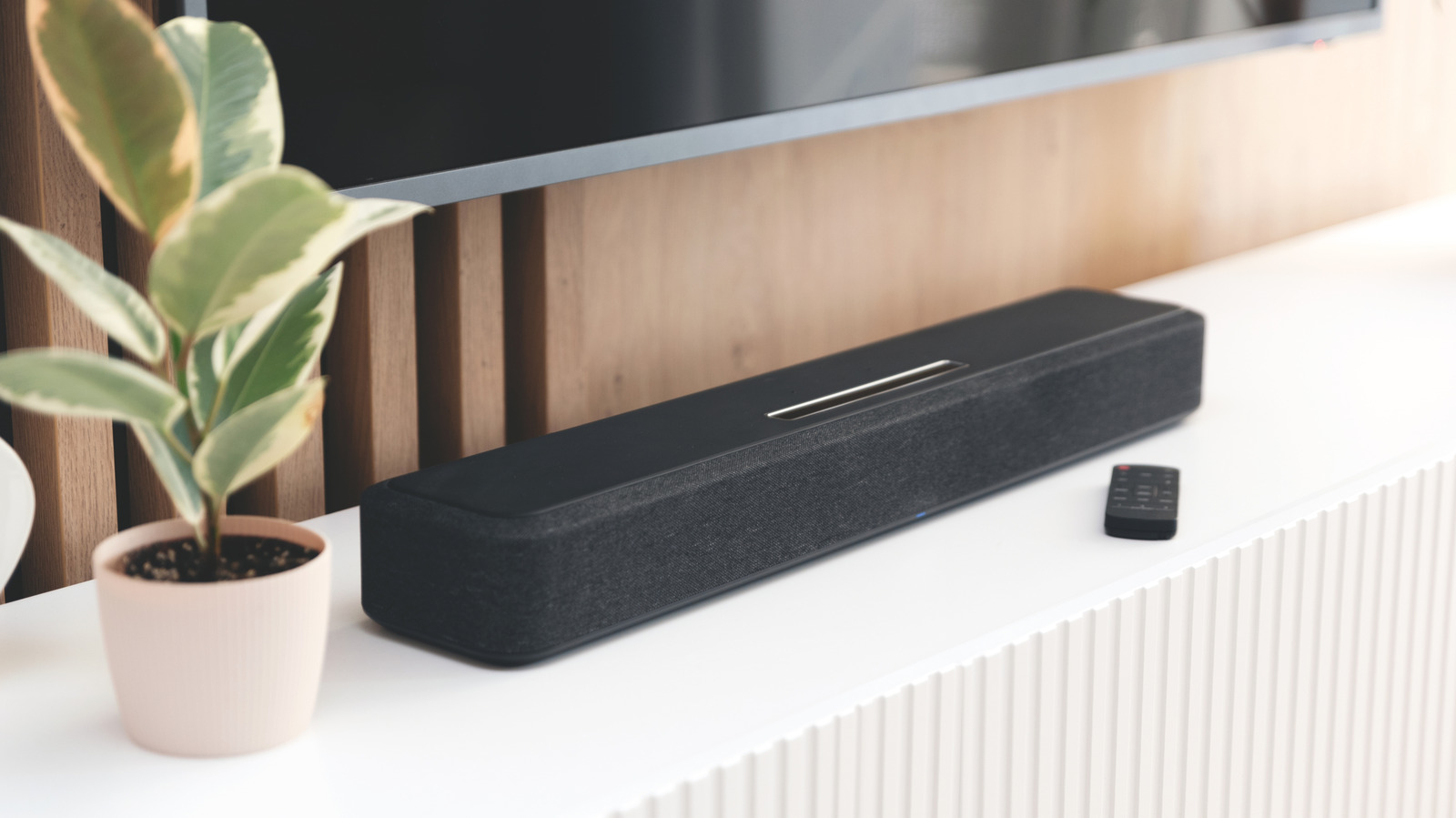
Modern soundbars have become essential components of home entertainment systems, delivering immersive audio experiences that elevate movie nights and music listening. Beyond the standard HDMI and optical connections, many soundbars feature a USB port, often leaving users wondering about its purpose. While seemingly unassuming, this port serves a crucial function – or sometimes, two. It’s not simply an oversight in the design; it’s a versatile connection point that can enhance your soundbar’s capabilities, from playing your favorite tunes directly from a flash drive to facilitating essential software updates. Understanding the role of this often-overlooked port can unlock a new level of convenience and control over your audio setup.
Connecting a soundbar to your television typically involves utilizing HDMI ARC (Audio Return Channel) or eARC (enhanced Audio Return Channel) for optimal sound quality, particularly with surround sound systems. Digital optical audio connections, 3.5mm analog jacks, and Bluetooth are also common methods. However, the presence of a USB port adds another layer of functionality. While it might not be the first connection you consider, it offers a convenient way to access audio files or maintain your soundbar’s performance. The USB port’s utility largely depends on the specific model, but generally falls into one of two categories: direct audio playback or firmware updates.
Playing Audio Files Directly from USB
The most common function of a soundbar’s USB port is to enable direct audio playback from a USB storage device, such as a flash drive or portable hard drive. This allows you to enjoy your personal music library without relying on Bluetooth streaming or other wireless connections. Most soundbars equipped with this feature support popular audio formats like MP3, WAV, and WMA. However, compatibility can vary between manufacturers and models, so it’s always best to consult your soundbar’s user manual for a complete list of supported file types. This functionality is particularly useful for situations where a stable, direct connection is preferred, or when streaming services aren’t readily available.
To ensure optimal compatibility, formatting your USB drive correctly is crucial. Generally, soundbars are best suited to the FAT32 or exFAT file systems. Some older models may experience issues with drives formatted using newer file systems like NTFS. Many soundbars have limitations on the maximum USB drive capacity they can support; a common limit is 32GB, although newer models may accommodate larger drives. Keeping your audio files organized can improve playback performance. Avoid deeply nested folder structures and, for best results, store your files directly in the root directory of the drive or within a single folder. This simplifies the soundbar’s file system navigation and reduces the risk of playback errors.
Firmware Updates and the “Service Port”
Beyond audio playback, the USB port on your soundbar can also serve as a conduit for firmware updates. Firmware is the software that controls the soundbar’s internal functions, and regular updates are essential for maintaining optimal performance, fixing bugs, and adding new features. While some manufacturers, like Samsung and LG, offer firmware updates through dedicated mobile apps – SmartThings and ThinQ, respectively – others rely solely on USB for this process. Samsung’s support page details the process for updating soundbars via USB.
If the USB port is exclusively used for firmware updates, it may be labeled as a “Service Port” on the soundbar itself. In such cases, the port won’t recognize audio files. The update process typically involves downloading the latest firmware file from the manufacturer’s website, copying it to a USB drive, and then connecting the drive to the soundbar. The soundbar will then automatically detect the update file and initiate the installation process. It’s crucial to follow the manufacturer’s instructions carefully during a firmware update, as interrupting the process can potentially damage the soundbar’s software.
Beyond Standard Functionality: Power and Data for Specific Models
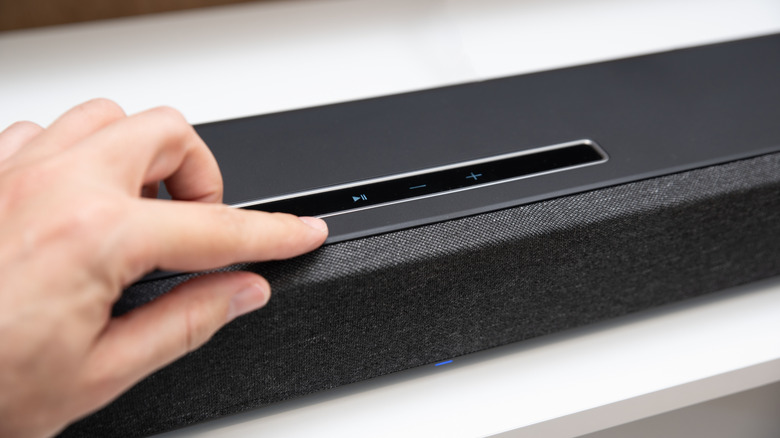
While audio playback and firmware updates are the most common uses for a soundbar’s USB port, some specialized models offer additional functionality. For example, certain PC-centric audio systems, such as the Razer Leviathan V2, can utilize the USB port to deliver both power and audio to the soundbar when connected to a computer. Razer’s official product page highlights this dual-functionality. This eliminates the need for a separate power adapter, simplifying the setup process. However, these types of configurations are less common and are typically found in soundbars designed specifically for gaming or computer use. Fortunately, the Razer Leviathan V2 also includes a dedicated power port for users who prefer to bypass the USB audio input and utilize Bluetooth connectivity instead.
Determining the specific capabilities of your soundbar’s USB port is straightforward. The user manual that came with your device should provide detailed information about supported file formats, firmware update procedures, and any additional features. If you’ve misplaced the manual, you can usually find a digital version on the manufacturer’s website by searching for your soundbar’s model number. Online specifications often list USB capabilities under sections labeled “Inputs” or “Connections.”
Key Takeaways
- Audio Playback: The most common use for a soundbar’s USB port is to play audio files directly from a USB storage device.
- Firmware Updates: USB ports are frequently used to install firmware updates, ensuring optimal performance and bug fixes.
- File System Compatibility: FAT32 and exFAT are generally the most compatible file systems for USB drives used with soundbars.
- Check Your Manual: Always consult your soundbar’s user manual for specific instructions and supported features.
the USB port on your soundbar is a versatile feature that can enhance your audio experience. Whether you’re looking to enjoy your personal music collection or keep your soundbar’s software up to date, understanding its functionality can unlock a new level of convenience and control. As soundbar technology continues to evolve, People can expect to witness even more innovative uses for this often-overlooked connection point. Keep an eye on your soundbar manufacturer’s website for the latest firmware updates and feature announcements to maximize your device’s potential.
Soundbar manufacturers are constantly refining their products, and future models may introduce new functionalities for the USB port. Stay tuned to World Today Journal for ongoing coverage of the latest developments in home audio technology. We encourage you to share your experiences with soundbar USB ports in the comments below, and let us know what features you’d like to see in future models.