
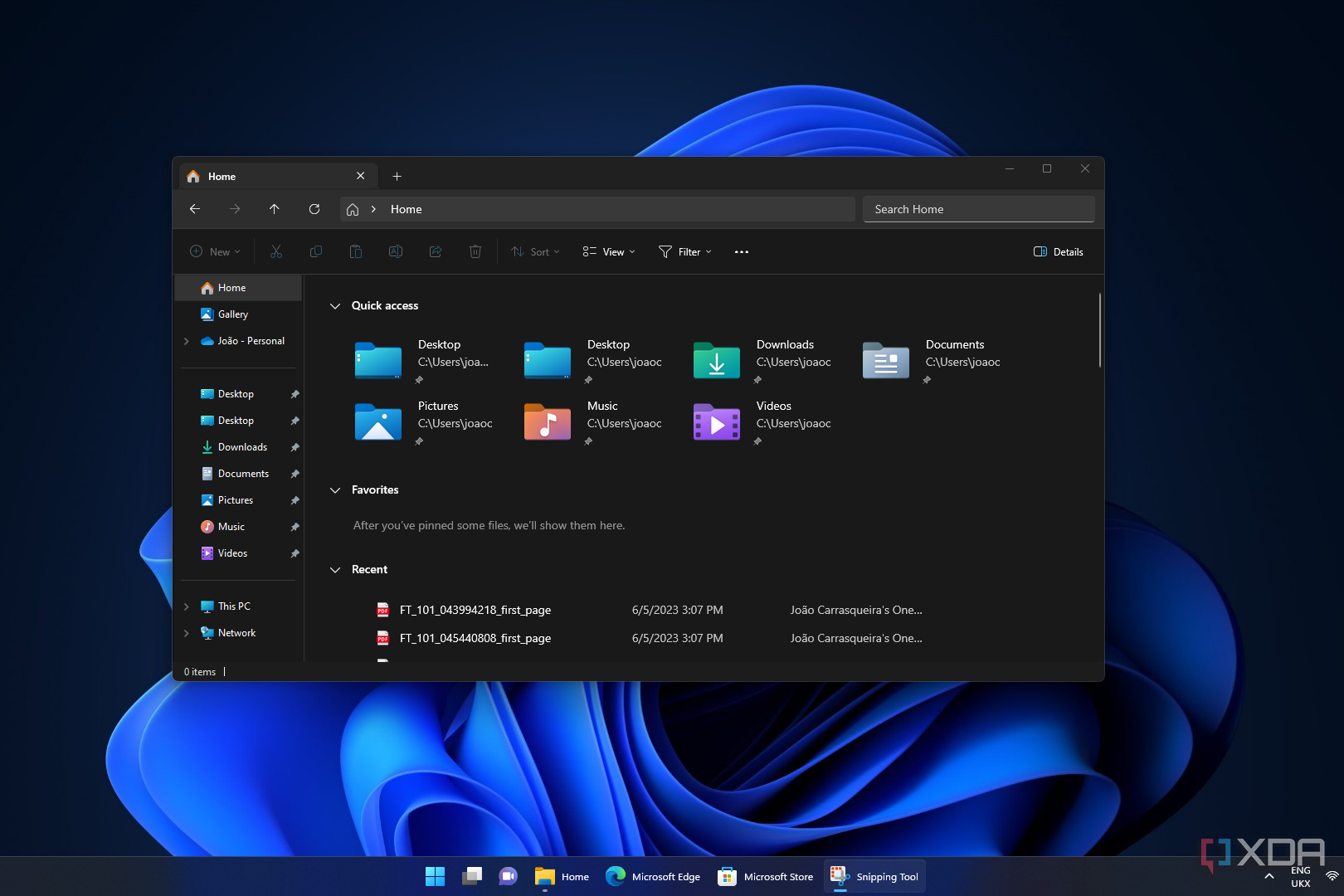
Microsoft is currently refining how users interact with their laptops by testing a suite of advanced touchpad gestures and system refinements in the latest Windows 11 Insider builds. These updates, aimed at increasing navigation efficiency and accessibility, signal a shift toward more customizable input controls for precision touchpads.
The updates are being rolled out through the Windows Insider Program, specifically targeting those in the Experimental channel. By introducing features like automatic scrolling and adjustable gesture speeds, Microsoft is attempting to bridge the gap between traditional mouse functionality and the streamlined experience of modern laptop trackpads.
For power users and developers, these changes are more than just convenience; they represent an evolution in the Windows UI framework. The integration of these features requires specific updates to the Windows App SDK, ensuring that the new gestures remain consistent across a wide array of third-party applications.
Enhanced Precision Touchpad Capabilities in Build 26300.8376
The core of these improvements arrives with Windows 11 Insider Experimental Preview Build 26300.8376, released on May 8, 2026. This build introduces several gesturing-related functionalities designed to give users more granular control over their navigation experience in Settings.
One of the most significant additions is the introduction of automatic scrolling. This feature allows a user to continue scrolling indefinitely without having to repeatedly lift and replace their fingers on the touchpad. According to the official release notes, this can be activated in two ways: by bringing fingers near the edge of the touchpad while scrolling or, on supported hardware, by holding fingers still and pressing harder on the touchpad.
Microsoft is testing accelerated scrolling. This functionality allows the system to increase scrolling speed as the gesture is repeated, enabling users to traverse long documents or extensive web pages much faster than with a constant scroll rate. To complement this, new scroll and zoom speed controls are being added, allowing users to set a baseline speed that suits their personal preference.
The build also pilots single-finger scrolling, a feature that allows a vertical scroll to be performed using only one finger, provided the gesture starts from the left or right side of the touchpad in the Experimental channel. This is particularly useful for users who find multi-finger gestures cumbersome or who are working in constrained physical spaces.
Technical Requirements and Framework Integration
While these features are intended to be widely available across most applications, there is a technical caveat regarding the user interface. Applications based on WinUI3 require updated versions of the Windows App SDK to achieve complete functionality. Microsoft has stated that they are currently in the process of bringing the necessary changes to versions 1.8 and 2.0 of the SDK to ensure compatibility.

This dependency highlights the complexity of updating system-level gestures. Because the touchpad interacts with the OS shell and individual app windows, the SDK must be updated to ensure that the “automatic scrolling” or “accelerated scrolling” commands are interpreted correctly by the software being used, preventing jitter or unresponsive behavior.
Broader Windows 11 Ecosystem Updates
These touchpad refinements are part of a larger cycle of updates for the operating system. The current general release is the Windows 11 2025 Update, also known as Version 25H2. While the general public uses 25H2, the Insider Program serves as the staging ground for the features that will eventually define the next major version of Windows.
Beyond the touchpad, Microsoft continues to iterate on the File Explorer and system stability. Testing in recent Insider builds has focused on improving the reliability of shortcuts, notifications and administrator protection. These “under-the-hood” fixes are designed to reduce system latency and improve the overall responsiveness of the desktop environment.
The Role of the Experimental Channel
The transition of the “Dev Channel” to the “Experimental Channel” marks a shift in how Microsoft handles early-stage feature testing. The Experimental channel is designed for users who want to see the most cutting-edge changes—like the new touchpad gestures—before they are stabilized for the Beta channel and eventually the general public.
For those interested in testing these features, Microsoft provides the Windows 11 Installation Assistant for x64 processors, though We see noted that this specific tool does not run on Arm-based PCs via the official download portal. Users must meet specific hardware requirements, including at least 9 GB of free disk space, to facilitate the download and installation of new builds.
Key Takeaways for Windows Users
- New Gestures: Build 26300.8376 introduces automatic scrolling, accelerated scrolling, and single-finger edge scrolling for precision touchpads.
- Customization: Users will soon be able to control the baseline speed for scrolling and zooming directly through Settings.
- Developer Impact: Full functionality for WinUI3 apps depends on the rollout of Windows App SDK versions 1.8 and 2.0.
- Availability: These features are currently limited to the Windows Insider Experimental channel and are not yet available in the stable Version 25H2.
What Which means for Laptop Productivity
The shift toward “automatic scrolling” and “accelerated scrolling” is a direct response to the increasing size of digital documents and the prevalence of “infinite scroll” feeds in modern software. By reducing the physical effort required to navigate long pages, Microsoft is reducing repetitive strain and increasing the speed of information retrieval.

The addition of single-finger scrolling is an important accessibility win. For users with limited dexterity or those who prefer a more traditional input method, having the option to scroll from the edges of the pad without needing a second finger makes the OS more inclusive.
As these features move from the Experimental channel toward a stable release, the focus will likely shift to hardware compatibility. Since “automatic scrolling” via pressure requires specific hardware support, the utility of this feature will vary depending on the laptop manufacturer and the type of precision touchpad installed.
The next confirmed checkpoint for these features will be their progression into the Beta channel, where they will undergo wider testing before being integrated into a future public update of Windows 11. Users can monitor the Windows Insider Blog for official announcements regarding the transition of these gestures to the stable build.
Do you prefer multi-finger gestures or a more traditional scrolling experience? Share your thoughts in the comments below or share this article with your fellow tech enthusiasts.