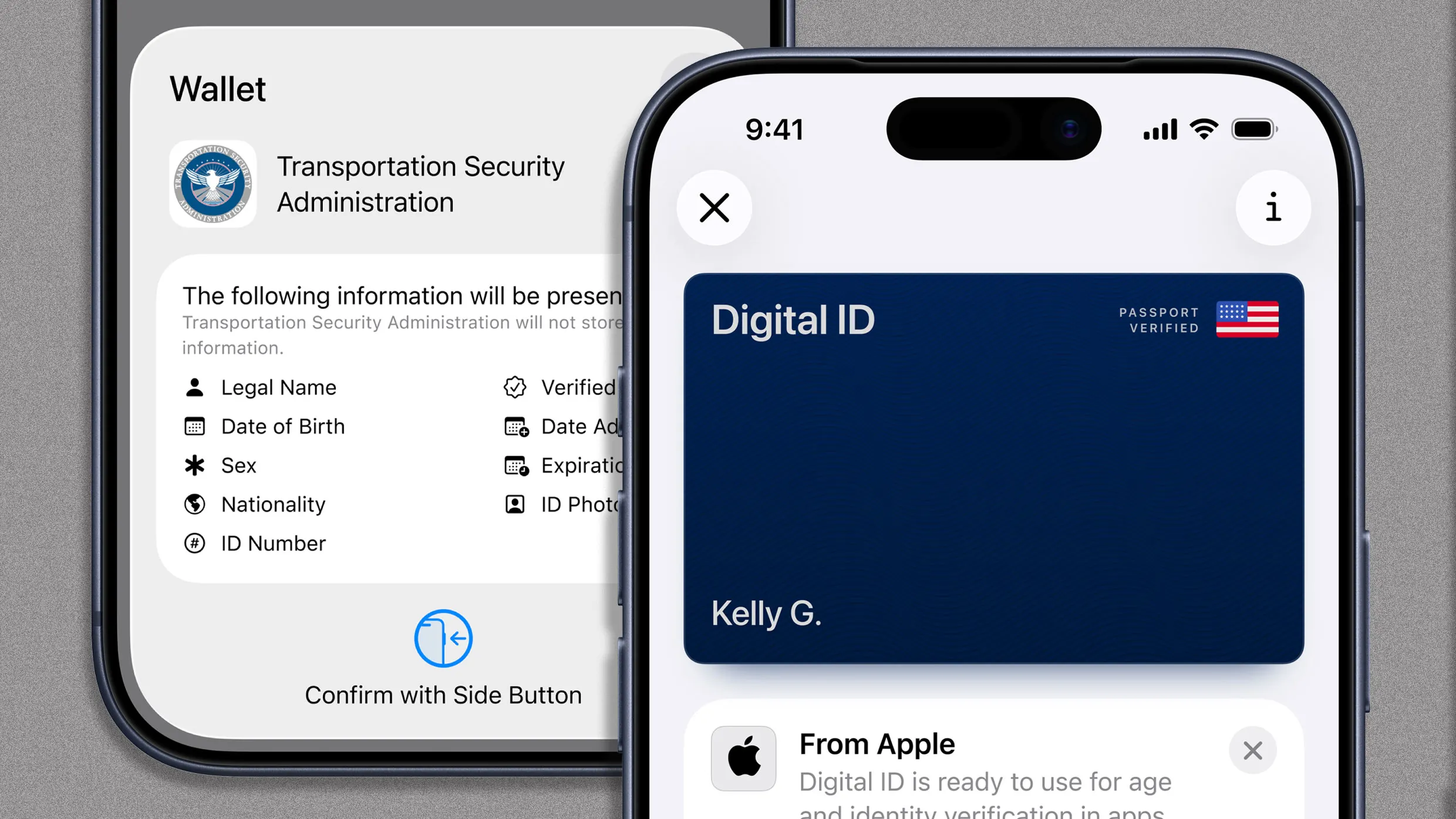
Digital IDs Are Here: Your Passport & Driver’s Licence on Your Phone
Apple and Google are ushering in a new era of digital identification. You can now store a digital version of your passport – and in many states, your driver’s license – directly on your iPhone or Android phone. This isn’t just about convenience; it’s a significant step toward secure, verifiable digital identities.
This capability launched recently with Apple’s ”Digital ID” and is also available thru Google Wallet. Both platforms allow you to scan your credentials at over 250 Transportation Security Management (TSA) checkpoints nationwide. while you’ll still need a physical backup for now, this marks a pivotal shift in how we prove who we are.
Why the push for Digital IDs?
The rollout isn’t solely focused on streamlining airport security. It’s part of a larger movement to establish reliable online identity verification. Nationally available, passport-based digital IDs are the key to unlocking this potential. Imagine a future where proving your age online or verifying your identity for financial transactions is as simple as a tap on your phone.
How to Add your ID to Your Digital Wallet
The process for digitizing your ID is remarkably similar on both Apple and Google platforms.Here’s a step-by-step guide:
- Open your digital wallet: Launch the Apple Wallet app (iPhone) or Google Wallet app (Android).
- Add a new ID: Tap the + button and select the ”ID” option.
- Scan your ID: Use your phone’s camera to scan the front of your passport or driver’s license.
- Scan the back (if applicable): Scan the back of your driver’s license. For passports, simply place your phone flat on the barcode page to scan the embedded RFID chip.
- Facial Verification: Submit a clear photo of your face.
- Record a Video: Capture a short video of your face performing a subtle movement. This security measure prevents unauthorized digitization of your ID.
After a brief verification period, your digital ID will be accessible through your phone’s wallet, alongside your Apple Pay or Google Pay options.
digital Driver’s License Availability
Currently, digital passports are available nationwide. Though, support for digital driver’s licenses and state IDs varies by location. As of late 2025, Apple and Google support digitizing licenses from these states:
* Arizona
* Arkansas
* California
* Colorado
* Georgia
* Hawaii
* iowa
* Maryland
* montana
* New Mexico
* North Dakota
* Ohio
* Puerto Rico
Some states also offer their own dedicated digital ID apps, either alongside or instead of the Apple/Google options. you can find a extensive list of participating states on the TSA website.
What Does This Mean for You?
Digital IDs offer a blend of convenience and enhanced security. while physical identification isn’t going away anytime soon,having a digital version on your phone provides a readily available backup and opens the door to a more streamlined future. Expect to see wider adoption and expanded use cases as the technology matures and more states come on board.
- Trump Considers AI Controls After OpenAI Models Attack Hugging Face
- Dealing With ‘Hangxiety’ After Tomorrowland: Symptoms and Recovery Tips
- Apple Calls UK App Store Proposal a Price Regulation (world-today-news.com)
- Google Pixel 11 Pro: Leaks, Price Hikes, and New Glow Color Details (newsdirectory3.com)