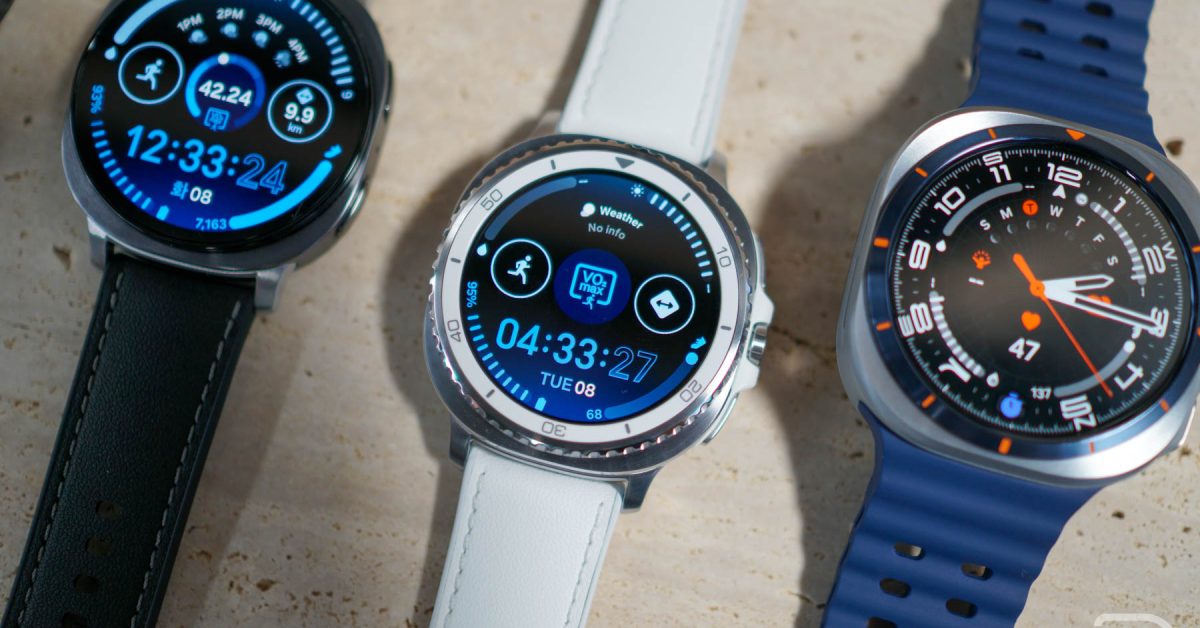
samsung Galaxy Watch 8 update: What You Need to Know (December 2025)
Did you snag a Galaxy Watch 8 or Galaxy Watch 8 Classic during the recent holiday sales? You’re in luck! Samsung is rolling out a new software update designed to refine yoru smartwatch experience. This isn’t a feature-packed overhaul,but a crucial update focusing on performance and security – and we’ll break down everything you need to know. Let’s dive into the details of this latest release and how it impacts your wearable.
understanding the November Security Patch & Performance Boost
This update primarily delivers the November 2025 security patch, addressing potential vulnerabilities and keeping your personal data safe. But it’s not just about security. Samsung has also included unspecified “performance improvements.” While the details are light, these tweaks aim to enhance the overall responsiveness and efficiency of your Galaxy watch 8.
What does this mean for you? Expect smoother transitions between apps, perhaps improved battery life, and a more fluid user experience. Recent research from Counterpoint Research (November 2025) indicates that security updates are a key driver of customer satisfaction with smartwatches, with 78% of users prioritizing regular security patches.
Identifying the Update: Build Numbers & compatibility
Knowing the correct build number is essential to confirm you’ve received the right update. Here’s a breakdown by model:
* Galaxy watch 8 Classic: L505USQU2AYK1
* Galaxy Watch 8 (44mm): L335USQU2AYK1
* Galaxy Watch 8 (40mm): L325USQU2AYK1
These build numbers apply to US models. international versions may have slightly different designations. Are you curious about how these build numbers compare to previous releases?
| Model | Previous Update (October 2025) | Current Update (November 2025) |
|---|---|---|
| Galaxy Watch 8 Classic | L505USQU1AZJ1 | L505USQU2AYK1 |
| Galaxy Watch 8 (44mm) | L335USQU1AZJ1 | L335USQU2AYK1 |
| Galaxy Watch 8 (40mm) | L325USQU1AZJ1 | L325USQU2AYK1 |
How to Update Your Galaxy Watch 8: A Step-by-Step guide
Updating your smartwatch is a straightforward process. Follow these steps:
- Open the Galaxy Wearable app on your paired smartphone.
- Navigate to Watch Settings.
- Select “Watch software update.”
- Tap “Download and install.”
The app will check for available updates. If the November update is available, it will begin downloading and installing.ensure your watch and phone are connected to a stable Wi-Fi network and have sufficient battery life (at least 50%) before starting the process.
Beyond the Update: Maximizing Your Galaxy Watch 8 Experience
While this update is relatively minor, it’s a good reminder to explore all the features your Galaxy Watch 8 offers.Consider these enhancements:
* Health Tracking: Utilize the advanced sleep monitoring, heart rate tracking, and body composition analysis.