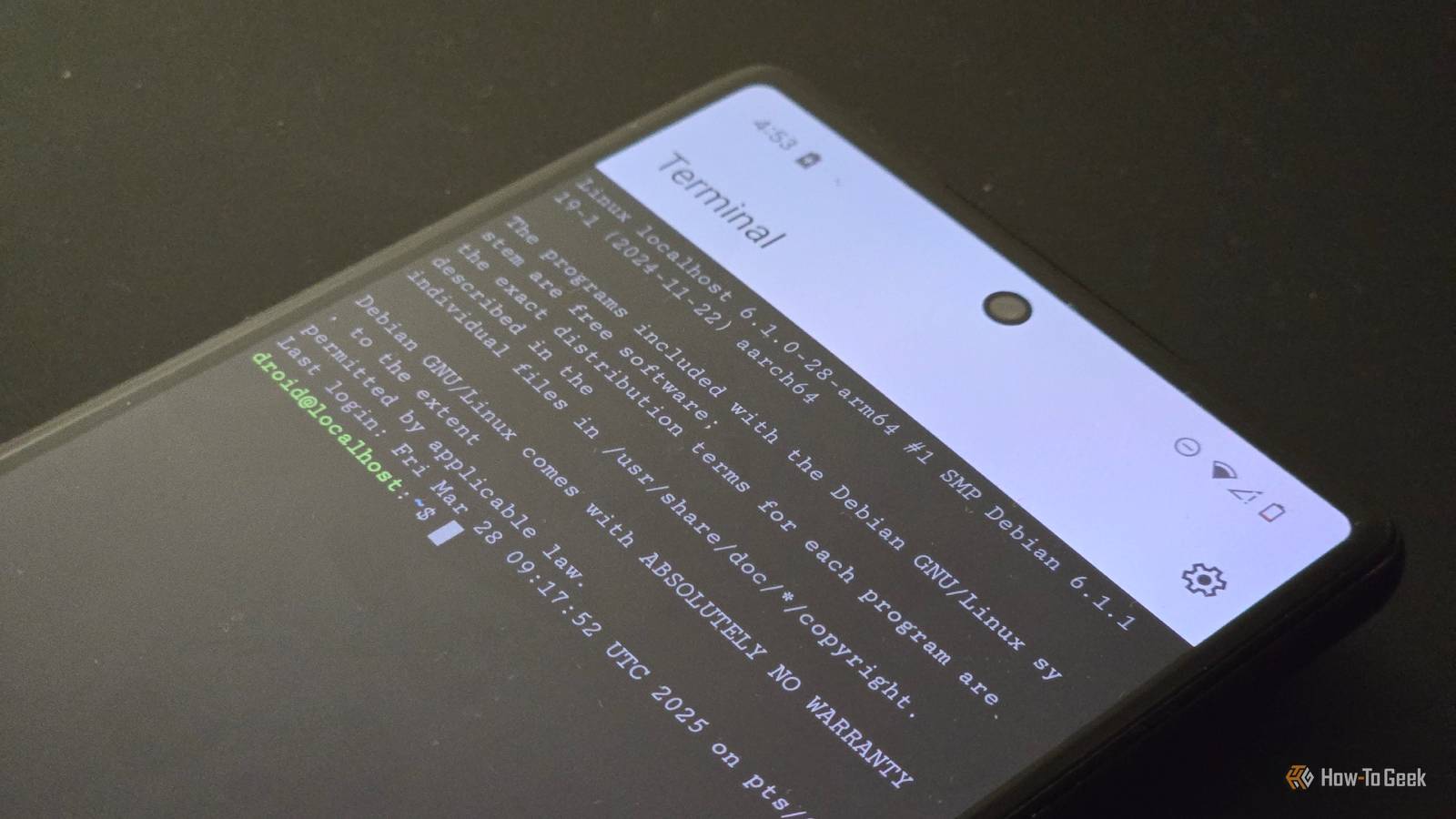
Google’s ongoing development of the Linux Terminal app for Android has taken another step forward with a recent beta update that introduces user-configurable display settings and theme support. This enhancement allows users to adjust the graphical user interface resolution and import custom themes, marking a meaningful expansion of personalization options within the Linux environment on mobile devices.
The Linux Terminal app, which operates using a Debian-based virtual machine powered by Android’s Virtualization Framework, initially launched as a tool for running command-line applications on supported Pixel devices. Over time, Google has progressively added functionality, including support for graphical Linux programs through hardware acceleration and Flatpak integration. The latest beta update builds on this foundation by giving users direct control over display scaling and visual appearance, features that were previously fixed or required advanced configuration.
According to the update details observed in the beta channel, users can now access a dedicated display settings section within the app to modify the resolution of the Linux desktop environment. This adjustment enables better compatibility with various screen sizes and pixel densities, particularly useful when running productivity applications like GIMP or LibreOffice that were not originally designed for mobile form factors. The ability to fine-tune resolution helps balance clarity and performance, especially on devices where scaling might otherwise result in oversized or undersized interface elements.
Complementing the display controls is a new ‘Theme’ section in the settings menu, which allows users to import and apply custom themes to the terminal interface. This feature supports personalization of the visual experience, including color schemes and syntax highlighting preferences, aligning the Linux Terminal more closely with desktop Linux distributions where theming is standard. While the app does not yet include a built-in theme gallery, the import function enables users to bring in themes from external sources, such as those configured for GNOME Terminal or other Linux emulators.
These updates remain exclusive to the beta version of the Linux Terminal app and are currently available only on Pixel 6 and newer devices running specific Android Canary or beta builds. As noted in earlier reports, the feature relies on the Android Virtualization Framework to run a lightweight Debian VM, with system resources allocated dynamically based on usage. The terminal continues to operate in an isolated environment, ensuring that modifications do not affect the host Android system.
The introduction of user-adjustable display and theming options reflects Google’s broader effort to develop the Linux Terminal more accessible and adaptable for power users, developers, and enthusiasts seeking to run desktop-class Linux applications on mobile hardware. By addressing common pain points related to interface scaling and visual comfort, the updates improve usability without compromising the security or stability of the underlying virtualization model.
While the Linux Terminal remains an experimental feature confined to developer channels and Pixel devices, each incremental update signals Google’s commitment to expanding the utility of Android beyond traditional mobile use cases. The ability to run full Linux environments on smartphones continues to blur the line between mobile and desktop computing, offering a glimpse into a future where devices can fluidly adapt to diverse workloads.
For users interested in testing these new capabilities, access to the Linux Terminal app requires enabling developer mode, activating the Linux development environment in settings, and installing the app from the Google Play Store. Updates are distributed through the Play Store’s beta channel, and users should ensure their device is running a compatible Android build to avoid instability or missing features.
As of now, Google has not announced a timeline for when these beta features might graduate to the stable release of the Linux Terminal app. The company typically gathers feedback from beta testers before broadening availability, particularly for features involving system-level virtualization and hardware interaction. Users seeking official updates can monitor the Android Developers blog or the official Pixel community forums for announcements regarding future releases.
Those wishing to share their experiences with the updated Linux Terminal app or ask questions about compatibility and performance are encouraged to leave comments below. Your feedback helps shape the conversation around emerging mobile technologies and their practical applications in everyday use.
Related reading
- Samsung Galaxy Watch 9 Review: Light, Comfortable, and Feature-Packed
- EA Sports FC 27: Release Date, New Features, Ultimate Team & Career Mode Changes
- Andy Burnham sees modest polling bounce but inherits record-low support (time.news)
- Pan-Mass Challenge Aims for $79 Million to Support Cancer Research at Dana-Farber (news-usa.today)