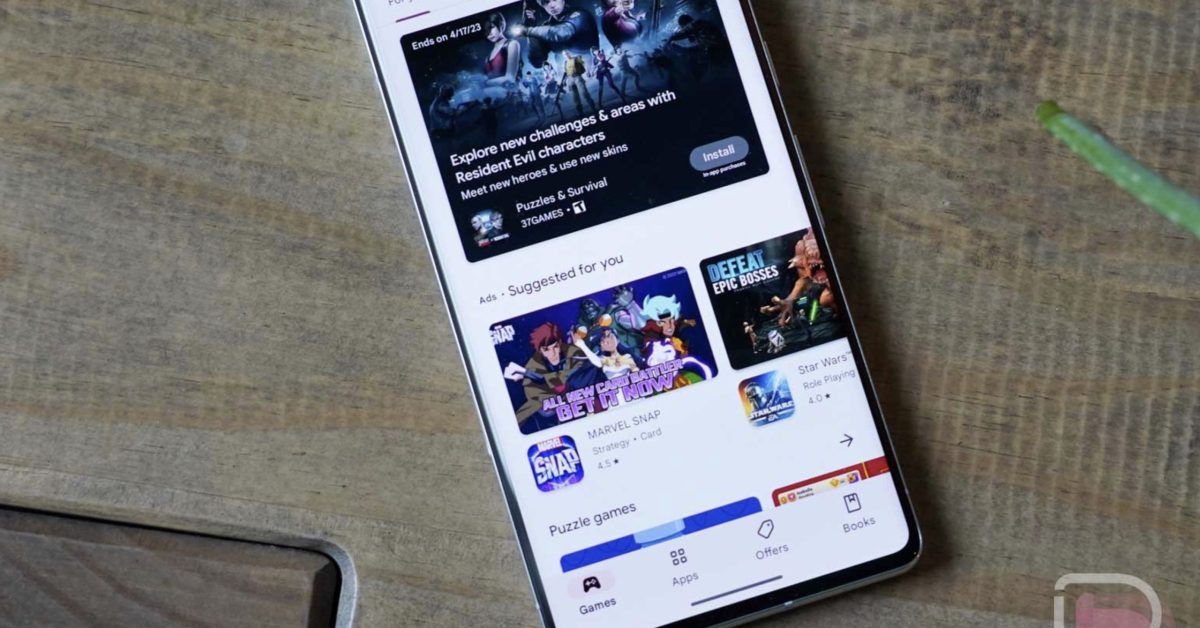
Google Play System Updates – December 2025: What’s New & Why it Matters to You
Are you curious about the latest improvements rolling out to your Android device? google consistently updates its system services and the Play Store to enhance performance, security, and your overall user experience. This December 2025 update brings subtle yet notable changes. Let’s break down what’s new, what it means for you, and how to take control of your data.
Understanding Google Play System Updates
Google Play System Updates are crucial. Unlike major Android OS updates, these happen automatically in the background, delivering improvements to core functionalities without requiring a full system reboot. They impact everything from device connectivity to app security, powered by Google Play Services – the backbone of many Android features.
This month’s update, released on December 15, 2025, focuses on refining existing features and giving you more control.
What’s Changing: A Detailed Look
Here’s a comprehensive overview of the December 2025 Google Play System and Play Store updates:
Google Play Services v25.49 (December 15, 2025)
* Enhanced Device Connectivity: You’ll now receive prompts asking for permission when nearby devices attempt to connect. This boosts your privacy and control over Bluetooth and other wireless interactions.
* Developer Tools: Google is providing new tools for app developers, specifically related to account management. This will likely lead to smoother and more secure app experiences in the future.
* Account Management Improvements: These developer features aim to streamline how apps handle your Google Account information, potentially simplifying login processes and data synchronization.
Google Play Store v49.3 (December 15, 2025)
* Ask Play – Your Personal Play Store Assistant: A revamped chat interface lets you interact with the play Store as if it were a personal assistant.Need help finding an app or troubleshooting an issue? Just ask!
* Data Privacy Controls: This is a big one. You can now directly manage personalization and data collection settings within the Play Store. Control what data is saved to your Google Account’s Play History and how it’s used for recommendations.
* Personalized Travel App Content: The Play Store will now showcase personalized content from your installed travel apps,making it easier to discover relevant deals and information.
Taking Control of Your Data: A Step-by-Step guide
The new data privacy controls in the Play Store are a game-changer. Here’s how to access and customize them:
- Open the Google Play Store app.
- Tap your profile icon in the top right corner.
- Select ”Settings.”
- Tap “About.”
- Navigate to “Play Store personalization.”
- Here, you can toggle “Personalize ads” and “Play’s activity controls” on or off, and review your Play History.
By adjusting these settings,you can tailor your Play Store experience to your preferences and protect your privacy.
Why These Updates Matter: Beyond the Changelog
These updates aren’t just about new features; they represent Google’s commitment to a more secure, user-amiable, and privacy-focused Android ecosystem. The increased openness and control over your data are especially noteworthy.
Recent research from Pew Research Center (November 2024) shows that 86% of Americans are concerned about how companies use their personal data. Google is responding to this growing concern by giving users more agency over their information. https://www.pewresearch.org/internet/2024/11/15/americans-and-data-privacy/
Related Subtopics & Considerations
* Google Play Protect: Don’t forget about Google play protect,which scans apps for malware and security threats. It works in conjunction with Play System Updates to keep your device safe.
* Android Security Updates: These are seperate from Play System Updates but equally significant. They address vulnerabilities in the Android OS itself.
* Battery Optimization: while not directly addressed in this update, Google continually works on optimizing
Worth a look