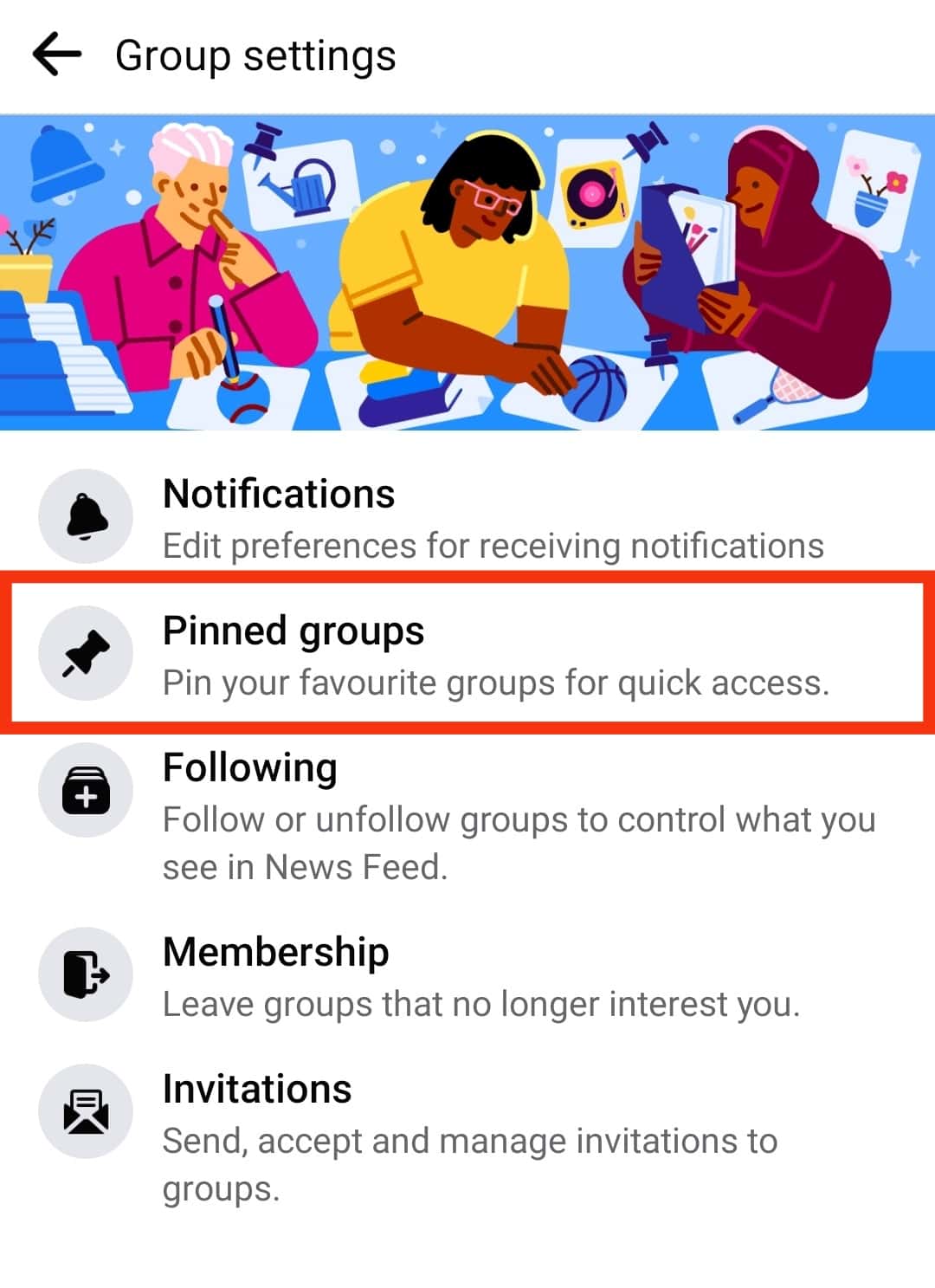
Facebook users seeking quicker access to their most important communities can pin groups to the top of their Groups tab, a feature designed to streamline navigation and reduce time spent searching for frequently visited discussions.
According to Facebook’s official Help Center, pinning a group allows it to remain fixed in a prominent position regardless of activity level, ensuring it stays visible even when newer posts appear in other groups. This functionality is particularly useful for individuals managing multiple community memberships, such as neighborhood associations, hobby clubs, or professional networks.
To pin a group on Facebook, users must first navigate to the Groups section via the main menu. Once there, they can locate the desired group in their list, press and hold the group’s name or icon, and select the “Pin” option from the appearing menu. A pin icon will then appear next to the group’s name to indicate its fixed status.
The order of pinned groups can be adjusted by long-pressing the drag handle (represented by three horizontal lines) next to a pinned group’s name and moving it up or down within the pinned section. This allows users to prioritize which groups appear first based on personal preference or usage frequency.
To unpin a group, users simply require to tap or click the pin icon located beside the group’s name within the Groups tab. Upon doing so, the group will return to its standard position in the list, sorted by recent activity or alphabetically depending on Facebook’s current sorting algorithm.
Facebook notes that pinned groups are only visible to the individual user who performed the action. pinning does not affect how other members see or interact with the group. The feature is available across both the Facebook mobile application (iOS and Android) and the desktop website version.
This organizational tool reflects Facebook’s ongoing effort to enhance user experience within its Groups platform, which hosts over 10 million active communities worldwide as reported in recent company disclosures. By reducing friction in accessing key groups, the pinning feature supports sustained engagement with meaningful online communities.
For users encountering issues with the pinning function, Facebook recommends ensuring the application is updated to the latest version, as older releases may lack full support for certain interface elements. Additional troubleshooting steps include logging out and back in or clearing the app cache through device settings.
As social media platforms continue to evolve their community management tools, features like group pinning demonstrate how platform designers respond to user behavior patterns—particularly the desire for efficiency in navigating increasingly complex digital social ecosystems.
To stay informed about updates to Facebook’s Groups functionality or other platform features, users are encouraged to consult the official Facebook Help Center regularly or follow Meta’s corporate communications channels for verified announcements.
If you found this guide helpful, consider sharing it with others who manage multiple Facebook groups or leaving a comment below with your own tips for organizing online communities effectively.
Keep reading