Seamlessly share Storage Across Your Samsung Devices with a New Feature
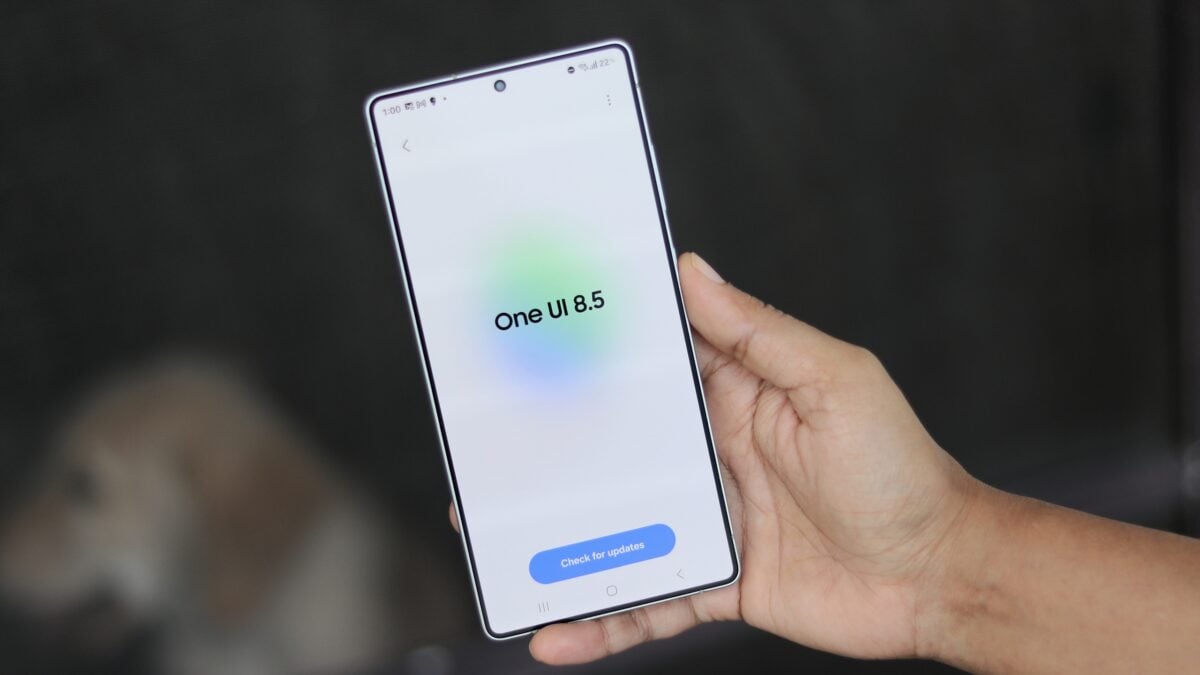
Samsung is rolling out a clever new feature called Storage Share, designed to simplify how you manage files across your Galaxy devices. This functionality, initially spotted in the One UI 8.5 beta, allows you to directly access the storage of one device from another.
Imagine effortlessly working on a document on your tablet and then continuing right where you left off on your phone – Storage Share makes this a reality. It’s a game-changer for anyone who juggles multiple Samsung devices throughout the day.
Here’s how it effectively works:
* Both devices need to be logged in with the same Samsung Account.
* You’ll find the Storage Share option within the Nearby Share menu.
* the feature displays a list of compatible devices you can connect to.
* Once connected, the files from the other device become readily available through your file manager app.
This feature is especially useful if you frequently move between a phone and a tablet for work or creative projects.You can quickly access large files, presentations, or media without needing to email them to yourself or use a separate cloud service.
Storage Share streamlines your workflow and keeps your important files accessible, no matter which device you’re using. It’s a smart, intuitive solution for maximizing your productivity within the Samsung ecosystem.
To see Storage share in action and learn more about its capabilities, check out this informative video. Don’t forget to stay updated with the latest Samsung news and insights by subscribing to our channel for more in-depth content.
Worth a look