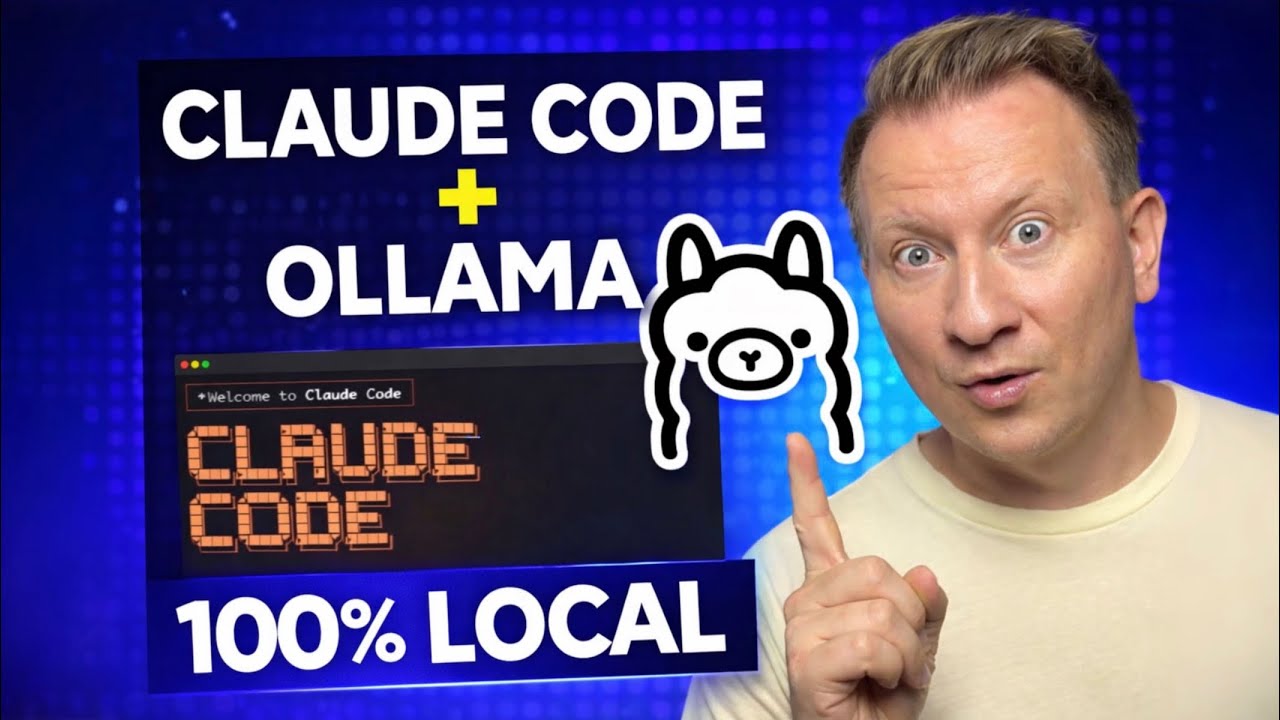
As artificial intelligence tools continue to reshape software development workflows, many developers are seeking ways to access advanced coding assistants without recurring subscription fees or reliance on cloud-based APIs. One emerging solution gaining attention involves pairing Anthropic’s Claude Code with Ollama, a platform designed to run large language models locally. This approach allows users to harness agentic coding capabilities entirely on their own machines, eliminating the need for external API keys or paid tiers.
Claude Code, introduced by Anthropic as an agentic coding tool, enables developers to read, modify, and execute code within their working directory through natural language prompts. Unlike traditional code completion tools, it functions as an autonomous agent capable of understanding project context, suggesting multi-file edits, and even running commands to test changes. When integrated with Ollama, users can run Claude Code using open models served through Ollama’s Anthropic-compatible API, effectively bypassing the need to connect directly to Anthropic’s servers.
The integration hinges on Ollama’s ability to host and serve models that mimic the behavior of Anthropic’s Claude series via a compatible API endpoint. According to Ollama’s official documentation, models such as qwen3.5:cloud, glm-5:cloud, kimi-k2.5:cloud, and minimax-m2.7:cloud are explicitly supported for use with Claude Code. These models are hosted on Ollama’s cloud infrastructure but can be pulled and run locally when using the appropriate flags, enabling a hybrid approach where model weights are managed by Ollama while execution remains under user control.
To begin using Claude Code with Ollama, users must first install the Claude Code CLI tool. This is typically done via a one-line installation script provided by Anthropic: curl -fsSL https://claude.ai/install.sh | bash. Once installed, the tool can be launched in conjunction with Ollama by specifying a target model. For example, running ollama launch claude --model kimi-k2.5:cloud starts Claude Code and connects it to the selected model served through Ollama’s backend. This command initializes the environment and begins listening for prompts.
For non-interactive environments such as Docker containers, CI/CD pipelines, or automated scripts, Ollama provides a headless mode. By adding the --yes flag — as in ollama launch claude --model kimi-k2.5:cloud --yes -- -p "explain this function" — the system automatically pulls the required model (if not already cached), skips interactive model selection, and passes any arguments following -- directly to Claude Code. This enables fully automated workflows where coding tasks can be triggered without manual intervention.
Ollama’s documentation also confirms that Claude Code supports web search functionality when used through their platform. This allows the agent to query up-to-date information beyond its training data, enhancing its ability to address recent frameworks, library updates, or evolving best practices. The feature relies on Ollama’s web search API, which must be configured separately but operates transparently once enabled.
Another notable capability is the /loop command, which allows users to schedule recurring prompts or actions within Claude Code. As described in Ollama’s integrations guide, this can automate repetitive tasks such as checking pull request status, running nightly test suites, or generating daily code summaries. The loop runs entirely within the Claude Code session, making it suitable for long-running background processes during development.
The combination of local model execution and API compatibility offers a compelling alternative for developers concerned about data privacy, latency, or ongoing costs. By keeping code and prompts within a local environment — even when leveraging remotely hosted models via Ollama — users reduce exposure risks associated with transmitting proprietary code to third-party servers. This is particularly relevant for teams working in regulated industries or on sensitive projects where data governance is paramount.
While the setup requires familiarity with command-line tools and basic model management, the barrier to entry remains relatively low for experienced developers. Ollama simplifies model handling through a unified CLI, handling tasks like pulling, updating, and removing models with intuitive commands. Meanwhile, Claude Code’s interface remains consistent whether connected to Anthropic’s servers or a local Ollama instance, ensuring minimal disruption to existing workflows.
although the models used in this setup are often referred to as “local,” the specific variants mentioned — such as kimi-k2.5:cloud and glm-5:cloud — are actually served from Ollama’s cloud infrastructure. True local execution would require using quantized or distilled versions of these models capable of running entirely on consumer hardware, which may involve trade-offs in performance or fidelity. Users seeking fully offline operation must verify that their chosen model supports local inference and that their system meets the necessary VRAM and RAM requirements.
Nonetheless, the ability to switch between cloud-served and locally run models within the same framework provides flexibility. Developers can prototype with powerful cloud-hosted models and later transition to smaller, locally executable variants as needed, all while maintaining the same Claude Code interface and prompt structure.
As interest in self-hosted AI tools grows, tutorials demonstrating this integration have begun appearing across technical platforms. A recent video tutorial published on April 3, 2026, walks viewers through the end-to-end process of installing Claude Code, configuring Ollama, and initiating their first agent-assisted coding session. The guide emphasizes cost savings by avoiding Anthropic’s API usage fees while preserving access to state-of-the-art agentic behavior.
Such resources reflect a broader trend toward democratizing access to advanced AI development tools. By combining open model serving platforms like Ollama with agentic interfaces such as Claude Code, developers gain greater autonomy over their workflows without sacrificing functionality. For teams evaluating the total cost of ownership of AI-assisted development, this method presents a viable path to reducing ongoing expenses while maintaining control over data and execution environments.
Those looking to get started can refer to Ollama’s official Claude Code integration page for detailed setup instructions, supported models, and advanced configuration options. The documentation includes examples for Docker usage, environment variable configuration, and troubleshooting common initialization issues.
As the ecosystem around local AI agents continues to mature, further refinements in model efficiency, tooling integration, and user experience are expected. For now, the Claude Code + Ollama combination stands as a practical option for developers aiming to run agentic coding assistants freely, privately, and on their own terms.
To stay updated on new model releases, Ollama feature updates, or changes to Claude Code compatibility, users are encouraged to monitor the official Ollama blog and Anthropic’s developer announcements.
Have you tried running Claude Code locally with Ollama? Share your experience in the comments below — what models worked best for your workflow, and what tips would you give to others getting started? If you found this guide helpful, consider sharing it with fellow developers exploring self-hosted AI tools.
Related reading