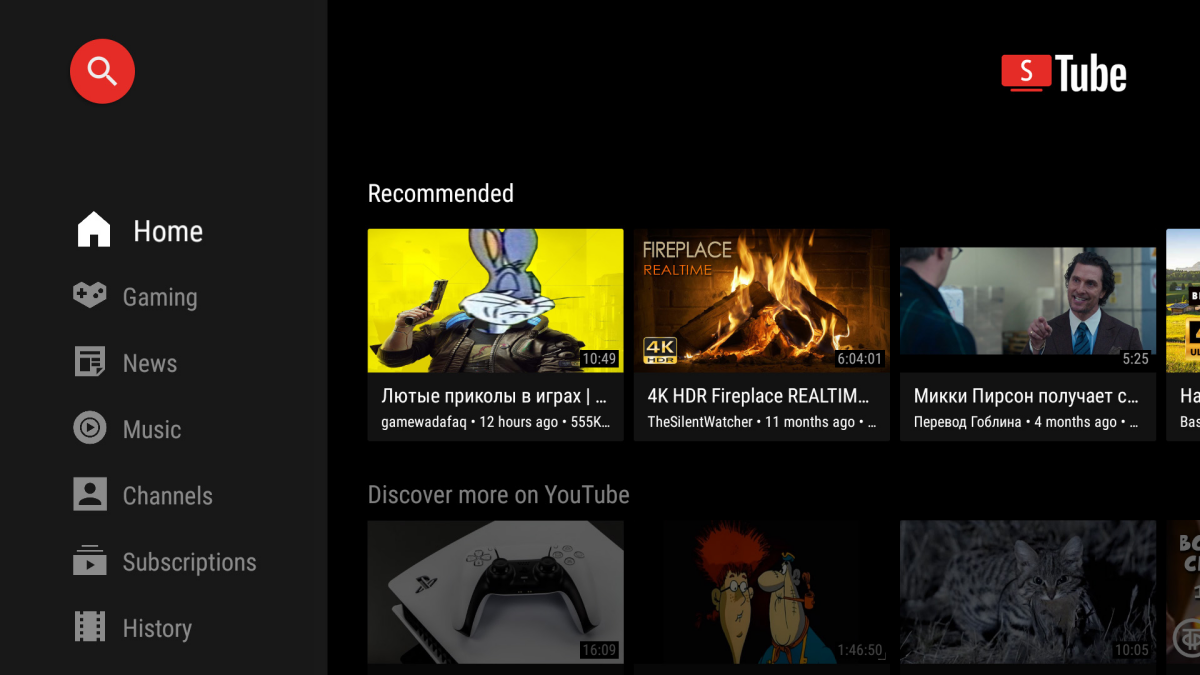
SmartTube App Compromised: what You Need to Know & How to Stay Safe
A concerning security incident has unfolded surrounding SmartTube, a popular third-party YouTube client for Android. Initially,a malicious APK (Android request package) masquerading as the legitimate app was distributed,possibly exposing users to malware. Fortunately, the issue appears to be contained, and the developers are actively working on a resolution.
Here’s a breakdown of what happened,what it means for you,and how to protect your device.
What Happened with smarttube?
Reports surfaced indicating a compromised version of the SmartTube app was circulating. This fake app, designed to look identical to the real one, could have installed harmful software on your device. The developers quickly responded,issuing warnings against downloading the app from any source other than their official channels.
Initial scans on VirusTotal for the latest stable (v30.56) and beta (v30.56) versions show no detected threats, offering some reassurance.However, it’s crucial to understand how this happened.
The Root Cause: Signature Key Compromise
The core of the problem lies in a potential compromise of the app’s signing key.Developers use these keys to digitally sign their apps, verifying their authenticity. If a malicious actor gains access to this key, they can create fake versions of the app that appear legitimate to your Android device.
This incident highlights a critical flaw in current security measures. Even with Google’s efforts to verify developers, a stolen signing key can bypass these protections. It raises questions about the true effectiveness of relying solely on signature verification for app security.
What Shoudl You Do Now?
If you downloaded SmartTube from anywhere other than the official sources, take these steps instantly:
* Uninstall the app. Do not hesitate. Remove it from your device completely.
* Run a full malware scan. Use a reputable antivirus app to scan your device for any malicious software.
* Review app permissions. Check the permissions granted to all apps on your device. Revoke any suspicious permissions.
* Enable Play Protect. Google Play Protect is built into Android and provides real-time malware scanning. Ensure it’s enabled in your Google Play Store settings.
The Future of Third-Party App Installation
Google is currently testing a feature that would allow experienced Android users to install apps from third-party sources with more control. This change is a direct response to the limitations of the current system.
However,this incident with SmartTube underscores the inherent risks.While offering more freedom, it also places a greater responsibility on users to verify the authenticity of the apps they install. I’ve found that a cautious approach is always best when dealing with apps outside of the official app stores.
Staying Safe: Best Practices
Here’s what works best for protecting your android device:
* Stick to official app stores. The Google Play Store, while not foolproof, offers a layer of security.
* Be wary of sideloading. Sideloading (installing apps from APK files) should only be done if you absolutely trust the source.
* Keep your device updated. Software updates often include security patches.
* Use a strong antivirus app. A good antivirus app can provide an extra layer of protection.
* Pay attention to permissions. Carefully review the permissions an app requests before installing it.
The developers of SmartTube are preparing a new release through F-Droid, a repository for free and open-source software. They will issue a statement explaining the situation once the release is available. Meanwhile,vigilance and caution are your best defenses.
Related reading