:no_upscale()/cdn.vox-cdn.com/uploads/chorus_asset/file/22654994/image__2_.png)
The landscape of modern gaming has shifted significantly in recent years, with players increasingly expecting seamless connectivity regardless of the hardware they choose. For fans of Brawlhalla, the popular platform fighter developed by Blue Mammoth Games and published by Ubisoft, this expectation has become a core feature of the experience. Understanding how to navigate cross-platform play is essential for those looking to compete, team up, or maintain their progress across different devices.
As a technology editor who has spent years tracking the integration of cross-play infrastructure in the gaming industry, I have seen how titles like Brawlhalla serve as a benchmark for interoperability. By enabling players on PlayStation, Xbox, PC, and mobile devices to interact within the same ecosystem, the developers have effectively removed the hardware barriers that once fragmented the community. This guide explores how to leverage these features to enhance your gameplay.
Understanding Brawlhalla Cross-Play Functionality
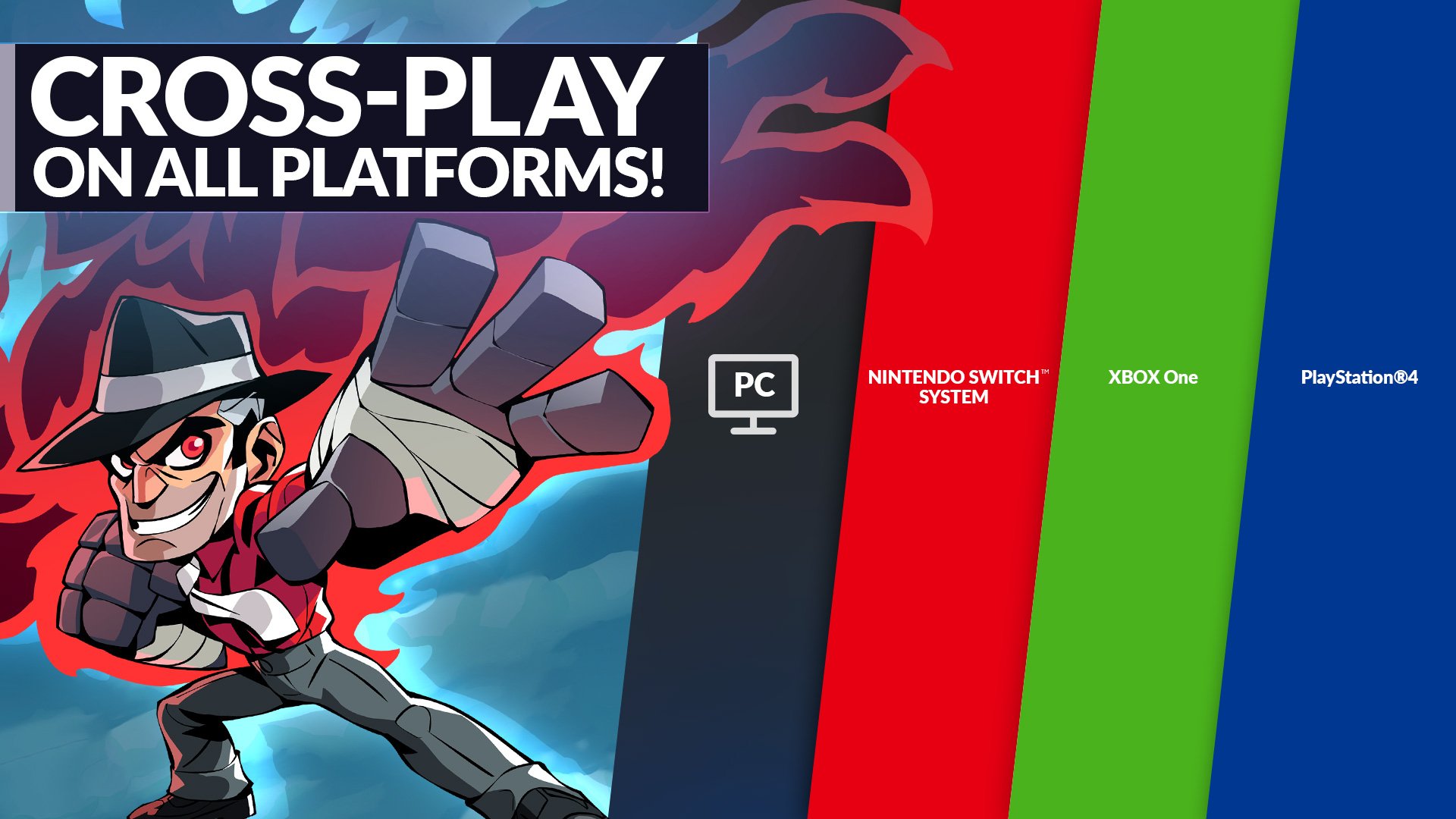
At its heart, the Brawlhalla cross-play system is designed to be largely invisible to the user, operating automatically to ensure that matchmaking pools are as large as possible. When you log into the game, the system does not restrict you based on your platform. Whether you are playing on a console, a desktop computer, or a mobile device, you are part of a unified player base. This allows for fluid matchmaking in both ranked and casual queues, ensuring that wait times remain minimal regardless of the time of day.
The technical achievement here lies in the synchronization of input and game state across diverse architectures. According to official documentation from Ubisoft’s support resources, this integration extends beyond simple matchmaking. It allows for cross-platform team-ups, meaning you can invite friends to your lobby regardless of whether they are using a controller on a console or a keyboard and mouse on a PC.
Managing Account Linking and Progression
While cross-play enables you to play with others, the ability to carry your hard-earned progress across platforms is managed through account linking. This is a critical step for players who switch between devices, such as starting a match on a console and finishing their session on a mobile device or PC.
To ensure your inventory, rankings, and unlockables are consistent, you must utilize the Ubisoft Connect cross-progression system. By linking your various platform accounts (PlayStation Network, Xbox Live, Steam, etc.) to a single Ubisoft account, you create a centralized profile. This centralizes your data, ensuring that your purchases and account level remain synced. This process is irreversible once accounts are merged, so players should exercise caution and verify that they are linking the correct primary account during the setup phase.
Key Takeaways for a Seamless Experience
- Unified Matchmaking: You are automatically matched with players across all supported platforms without needing to toggle specific settings.
- Cross-Platform Parties: You can create custom lobbies or invite friends to your team by sharing your unique lobby code, regardless of their hardware.
- Progression Syncing: Use your Ubisoft account to link all platform-specific accounts to enable cross-progression and keep your items consistent.
- Competitive Integrity: Ranked matches and seasonal events are fully cross-platform, meaning you will face opponents from any device in the competitive ladder.
Why Cross-Platform Play Matters
The move toward universal cross-play is not merely a convenience; it is a fundamental shift in how developers approach the longevity of their titles. By maintaining a single, healthy population of players, Brawlhalla avoids the “dead game” phenomenon that often plagues platform-locked titles as their player bases dwindle over time. For the individual player, So that the competitive skill ceiling remains high and the variety of playstyles you encounter is significantly broader.

as we look toward the future of Ubisoft’s ongoing support for Brawlhalla, this infrastructure is the foundation for future updates. Whether the developers introduce new cross-platform social features or expand the tournament ecosystem, the ability to rely on a platform-agnostic account will remain the standard. Players are encouraged to keep their Ubisoft Connect accounts updated and to monitor the official game website for any maintenance alerts that might impact cross-platform connectivity.
As the gaming industry continues to evolve, the integration of these systems serves as a reminder that technology should bridge gaps rather than create them. If you encounter issues while attempting to link accounts or connect with friends, the best course of action is to consult the official Ubisoft help portal, which provides real-time troubleshooting steps for common connection errors. We will continue to track updates to these systems and provide further insights as the developer announces future enhancements to the platform.
Have you successfully integrated your accounts across different platforms? Share your experiences or any questions you have in the comments section below—I would love to hear how your cross-play setup is working for you.
Worth a look
- Granola Raises $125M to Become AI Unicorn with Apple Watch Transcription
- Roman Reigns and Jey Uso Drama: Unforgettable WWE Match Highlights
- Gears of War: E-Day: Release date, platforms & everything else we know about Marcus Fenix’s return (archyde.com)
- How Autodesk Uses AI Across Its Software Portfolio (world-today-news.com)