,regionOfInterest=(863,693)&hash=0dc5e197f039144782ac70ea72832b732546398b4ba144159cd1f19a60104585)
WhatsApp users on older Apple hardware face a looming deadline as Meta continues to update the minimum operating system requirements for its messaging platform. According to the official WhatsApp Help Center, the application currently requires iOS 12.0 or newer to function, a standard that effectively excludes devices incapable of running that software version or higher.
While Meta has not issued a universal “cutoff” date for all legacy devices, the company routinely deprecates support for older versions of iOS to maintain security standards and introduce new features. Users currently operating on hardware that cannot be updated to at least iOS 12 face an imminent loss of access to the service, as the platform’s infrastructure evolves to support modern encryption and data protocols. These updates are a standard practice for the Meta-owned service, which frequently reevaluates its hardware compatibility to ensure the integrity of its end-to-end encryption architecture.
Understanding WhatsApp System Requirements
The requirement for iOS 12 or later is not a recent development, but it serves as the current baseline for sustained functionality. According to Apple’s official documentation, iOS 12 was released in 2018 and is the final supported version for devices such as the iPhone 5s, iPhone 6, and iPhone 6 Plus. If a user is still relying on an iPhone 5 or earlier, those devices are physically unable to reach the required software threshold, rendering the WhatsApp application incompatible.
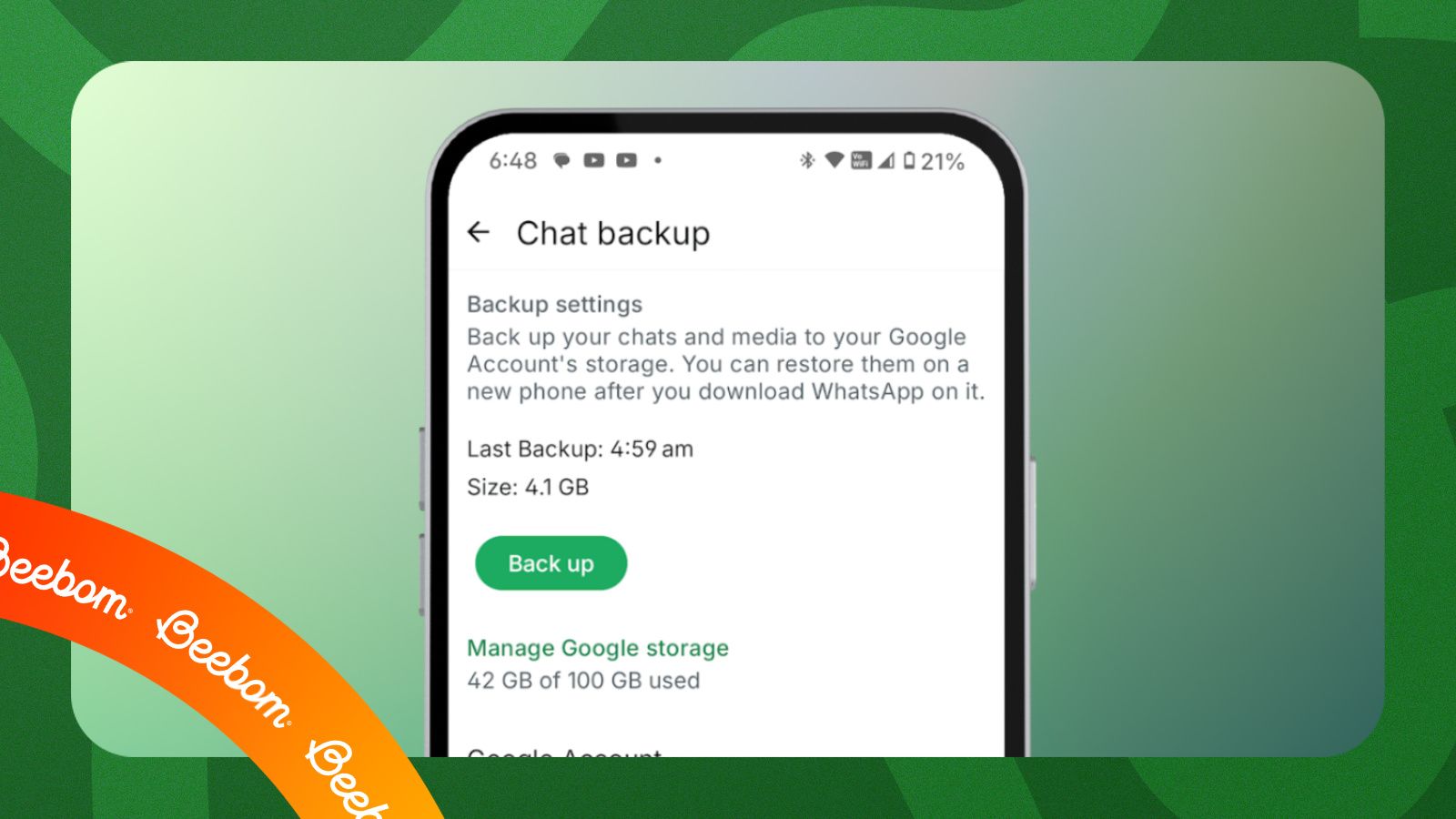
For users, the primary risk is the loss of chat history and the inability to send or receive messages. Meta advises users to back up their chat history to iCloud before upgrading their device or operating system. Instructions for performing this backup can be found directly within the WhatsApp settings menu under “Chats” and “Chat Backup.”
Why Support for Older iPhones Ends
The decision to drop support for older operating systems is primarily driven by security and technical limitations. As Meta integrates more complex features—such as enhanced multi-device support, improved media sharing, and advanced security patches—older versions of iOS lack the underlying frameworks required to execute these functions safely. Maintaining compatibility for legacy systems requires significant engineering resources and can potentially expose users to vulnerabilities that have already been patched in newer versions of the operating system.

According to Apple’s latest support pages, keeping an operating system updated is the most effective way to protect personal data from known exploits. When a third-party application like WhatsApp ends support for a specific OS version, it is typically because the security protocols of that OS version have become too obsolete to support the current industry standards for encrypted communication.
Steps for Affected iPhone Users
If you are currently using an older iPhone and are concerned about losing access to WhatsApp, the first step is to check your current software version. You can verify this by navigating to Settings > General > About on your iPhone. If your software version is below 12.0, you must check for updates under Settings > General > Software Update.
If your device reports that it is “up to date” but is still running a version of iOS earlier than 12, your hardware has reached its end-of-life for software support. In this scenario, the only way to continue using WhatsApp is to migrate your data to a device capable of running a current, supported version of iOS. Meta provides a migration tool within the app, which allows users to transfer chat history via iCloud or, in some cases, direct device-to-device transfer when setting up a new iPhone.
Future-Proofing Your Messaging
Looking ahead, users should anticipate that Apple and Meta will continue to raise the minimum requirements for software compatibility. Historically, Apple provides major iOS updates for approximately five to six years after a device’s release. Once a device stops receiving these major updates, it becomes increasingly likely that popular messaging apps will eventually withdraw support.
The next major checkpoint for users will be the release of subsequent iOS versions, which historically occur every September. As Apple shifts its focus to newer hardware, users on devices like the iPhone 8 or iPhone X may eventually face similar compatibility warnings in the coming years. For now, the most reliable way to stay informed is to monitor the official WhatsApp Help Center, which remains the definitive source for any changes to hardware or software support policies. If you have questions about your specific device, you can join the conversation in the comments below or check your device’s specific support status on the manufacturer’s official website.
Related reading