
YouTube Tests Radical Mobile Font Change—Here’s Why Users Are Furious
YouTube is quietly rolling out a dramatic typography experiment on its mobile app, replacing the familiar Roboto font with a condensed, compact alternative called YouTube Sans Condensed. The change, currently limited to an A/B test, has sparked backlash from users who report the new font makes video titles harder to read on small screens.
Google’s decision to test YouTube Sans Condensed—a font designed for bold branding rather than readability—marks a significant shift in the platform’s design philosophy. While the change is currently confined to a select group of users in the main feed, the reaction has been swift and overwhelmingly negative, with complaints flooding social media and tech forums.
According to multiple reports from tech journalists and user feedback on platforms like Reddit, the new font’s compressed letterforms and sharp angles make it difficult to quickly scan video titles and channel names. Unlike Roboto, which was specifically designed for high readability on small screens, YouTube Sans Condensed prioritizes visual impact over legibility—a tradeoff that has left many users frustrated.
YouTube has not officially commented on the experiment, but the company’s history of A/B testing suggests this is part of a broader effort to refine its mobile interface. The change is not yet visible in the app’s settings menu, and interactive elements like navigation buttons remain unaffected. However, the recommendations carousel—where users spend a significant amount of time—is where the new font is most prominently displayed.
Why the Font Change Matters—and What It Means for YouTube’s Design
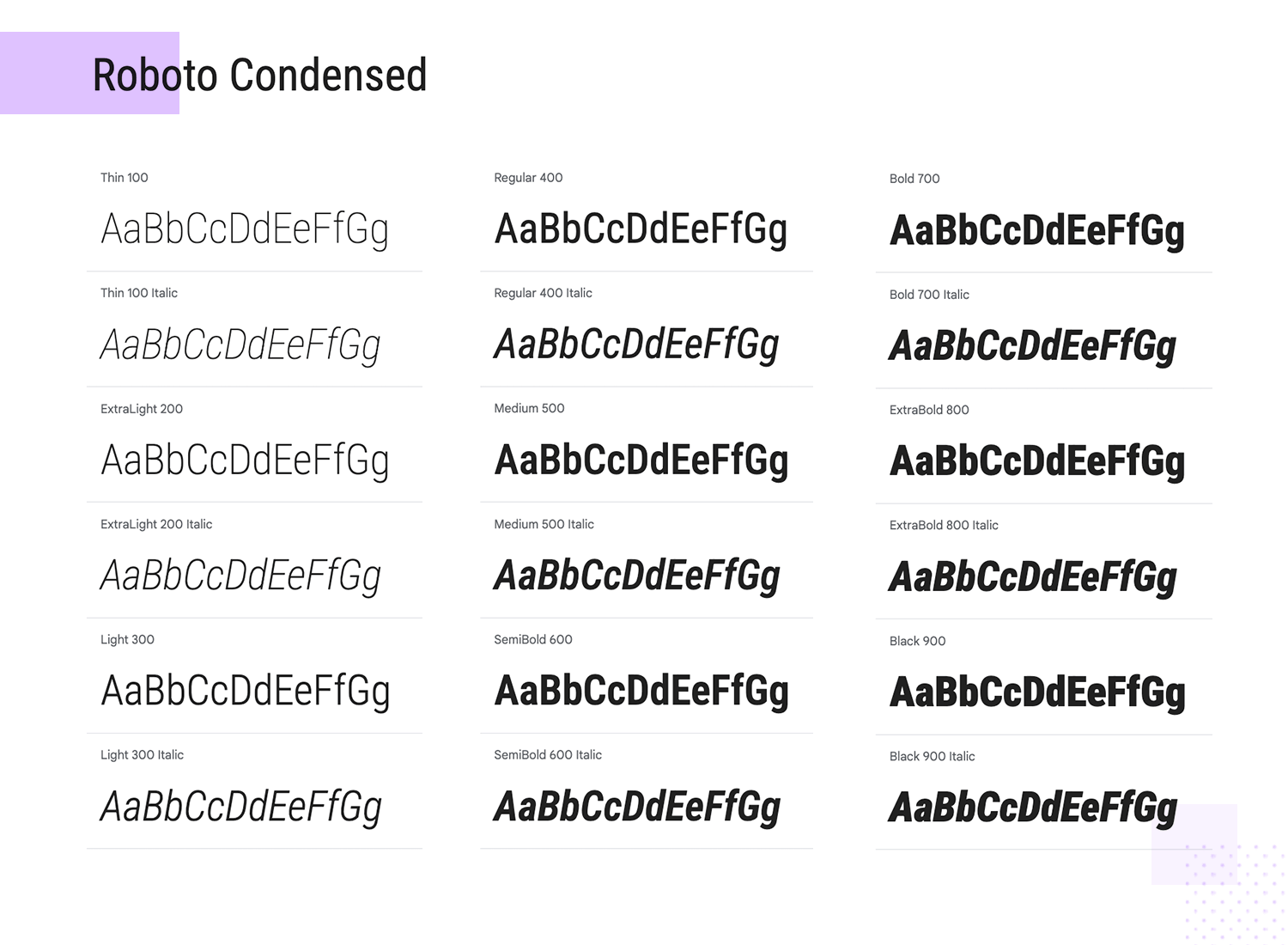
The shift from Roboto to YouTube Sans Condensed represents a deliberate move away from functional typography toward a more aggressive, brand-focused aesthetic. Roboto, developed by Google in 2011, was chosen for its clean, rounded letterforms that reduce eye strain during prolonged use—a critical factor for an app where users spend hours daily scrolling through content.
YouTube Sans Condensed, in contrast, is a condensed sans-serif font with elongated vertical strokes and sharp angles. While it may look striking in large-format marketing materials, its compact design creates readability challenges on smartphone screens. Users report that video titles and channel names now appear cramped, with letters blending together in dense lines. This is particularly problematic for the recommendations carousel, where quick scanning is essential.
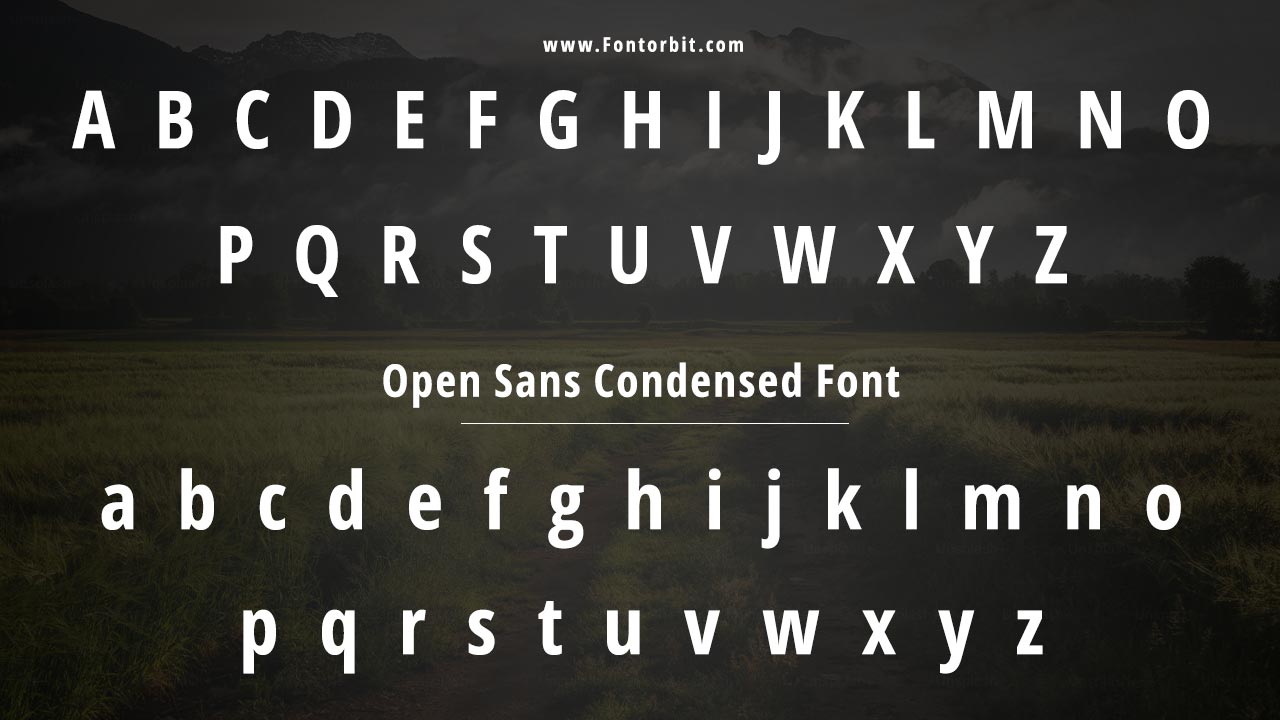
According to typography experts, condensed fonts like YouTube Sans Condensed are typically used for headlines or short bursts of text, not for extended reading. “The human eye struggles to parse tightly packed letterforms, especially on high-resolution displays where pixels can make text appear even more compressed,” said typography consultant David Berlow, founder of Typotheque. “YouTube’s experiment is testing the limits of how much compression users will tolerate before it becomes a usability issue.”
YouTube’s decision to limit the test to a small group of users suggests the company is still evaluating the impact. However, the backlash has been immediate and widespread, with users on Reddit and Twitter expressing frustration over the change. One user wrote on Reddit, “‘I’ve been using YouTube for over a decade, and this is the first time I’ve had to squint to read titles. It’s a minor change, but it’s annoying.’” Another added, “‘This feels like a step backward in accessibility.’“
Where the New Font Appears—and Where It Doesn’t
The font change is not yet visible in all areas of the app. According to verified reports from tech journalists, YouTube Sans Condensed is currently only appearing in:
- Video titles in the main feed
- Channel names in the recommendations carousel
- Some interactive elements in the home screen
However, the change does not affect:
- Video titles during playback
- Channel pages (when users navigate to a creator’s profile)
- The app’s settings menu
- Navigation buttons and icons
This selective rollout means that even users who see the new font in the main feed can still access the classic Roboto font in other parts of the app. However, the inconsistency has only amplified frustration, with users pointing out that the change feels arbitrary and disruptive.
What This Means for YouTube’s Future—and How to Opt Out
YouTube’s experiment with YouTube Sans Condensed is part of a broader trend in tech design, where companies prioritize brand identity over functional usability. While the change may enhance YouTube’s visual cohesion, it risks alienating users who rely on the platform for content discovery.
Currently, there is no official way to opt out of the font test, as it is limited to a small group of users. However, if the experiment continues, YouTube may eventually roll out a setting to toggle between the old and new fonts. For now, users affected by the change can:
- Use the desktop version of YouTube, where the font remains unchanged
- Report feedback to YouTube via the app’s help center (official support page)
- Engage with the discussion on Reddit (r/YouTube) or Twitter to voice concerns
YouTube has not set a timeline for when the experiment will conclude, but the company has historically responded to user feedback in past design changes. If the backlash continues to grow, it could influence whether YouTube Sans Condensed becomes a permanent feature.
Key Takeaways
- What’s changing: YouTube is testing YouTube Sans Condensed, a condensed font replacing Roboto in the mobile app’s main feed.
- Where it appears: Video titles and channel names in the recommendations carousel; not in playback or settings.
- Why users are upset: The compressed letterforms reduce readability on small screens, making quick scanning difficult.
- No opt-out yet: The test is limited to a small group, with no current way to disable the new font.
- YouTube’s motive: Likely testing brand consistency, though usability concerns may override the change.
- What happens next: If feedback is overwhelmingly negative, the font may be reverted or made optional.
How This Compares to Past YouTube Design Changes
YouTube’s font experiment is not its first major design shift in recent years. In 2020, the platform introduced a darker theme for the mobile app, which was initially met with mixed reactions but later became a permanent option. Similarly, the 2022 redesign of the desktop interface included a more minimalist layout, which also faced criticism before being refined.

However, this font change stands out because it directly impacts the core functionality of the app—content discovery. Unlike cosmetic changes, typography affects how users interact with the platform on a fundamental level. “Font choices aren’t just about aesthetics; they’re about usability,” said Jakob Nielsen, a usability expert at the Nielsen Norman Group. “YouTube’s test is a reminder that even small design tweaks can have big consequences.”
For context, other major platforms have faced similar backlash over typography changes. In 2021, Twitter (now X) experimented with a condensed font in its mobile app, which users criticized for reducing readability. The change was later reverted after widespread complaints. YouTube’s current test may follow a similar trajectory if user feedback continues to be overwhelmingly negative.
What YouTube Users Are Saying
“I’ve used YouTube for years, and this is the first time I’ve had to pause and squint to read a title. It’s a small thing, but it’s annoying. Why fix what isn’t broken?”
“The new font looks like it was designed for a billboard, not a phone screen. It’s a step backward in accessibility.”
“I get that YouTube wants to be more ‘premium,’ but at what cost? If I can’t read the titles, I’m not going to click.”
While some users have expressed curiosity about the change, the majority of feedback has been critical. The lack of an official statement from YouTube has only fueled speculation about whether the company is prioritizing brand identity over user experience.
How to Stay Updated on YouTube’s Font Test
If you’re affected by the font change, here’s how to stay informed:
- Check YouTube’s official help center for updates on app experiments.
- Monitor discussions on Reddit for real-time user feedback.
- Follow YouTube’s official Twitter account for announcements.
- Search for “YouTube font test” in Google to find the latest reports.
YouTube has not confirmed whether the experiment will expand beyond the current test group, but given the volume of complaints, it’s likely the company will take user feedback into account before making any permanent changes.
Worth a look
- Google’s First Store in Japan Opens August 13 with Free Souvenirs
- FC Barcelona Mourns the Passing of Jorge Messi
- US Intelligence Warns Putin Could Test NATO With Limited Attack (archyworldys.com)
- Climate Change and Heatwaves: Rising Risks of Infectious Diseases and Waterborne Bacteria (newsdirectory3.com)