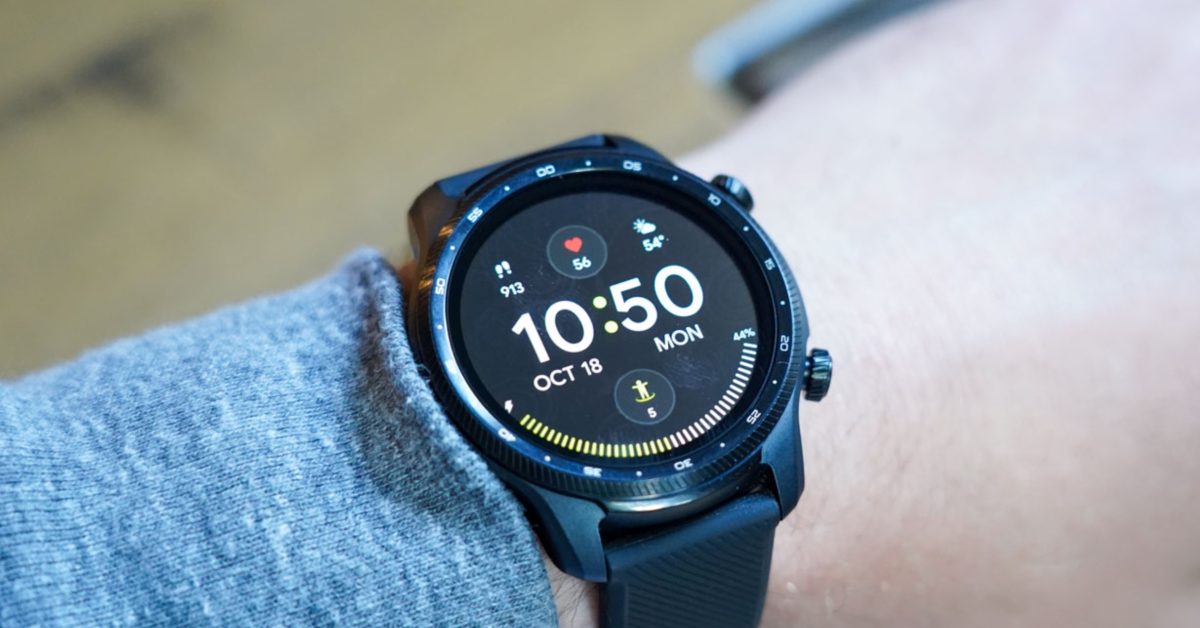
Google Clock App Exclusive to Pixel Watch: What Wear OS Users Need to Know
Have you noticed the Google Clock app disappearing from your non-Pixel Wear OS smartwatch? You’re not alone. A recent change confirmed by Google restricts access to the popular app solely to Pixel Watch owners, leaving users of Samsung, OnePlus, and other Wear OS devices in the lurch. This move, following a similar decision with the Google Weather app, raises questions about google’s strategy for its Wear OS ecosystem. Let’s break down what happened, why it matters, and what options you have.
The Discontinuation: A closer Look
Just a month ago, reports surfaced of the Google Clock app vanishing from numerous Wear OS smartwatches. Initially, Google remained silent, fueling speculation. Now, the company has officially stated the app will only be actively maintained and updated for the Pixel Watch.
this means if you’re using a Wear OS watch not made by Google, your Google Clock app won’t receive further updates. While the app may remain functional on your device for now if it was previously installed, its long-term usability is uncertain. This shift reflects a growing trend of Google prioritizing features and apps for its own hardware.
Why the Change? the Ecosystem Play
Google’s reasoning, as outlined in a community post, centers around redundancy.Most other Wear OS brands – Samsung, OnePlus, Mobvoi (TicWatch), and others - already include their own fully functional clock applications. Google appears to be consolidating resources,focusing advancement efforts on the Pixel Watch experience.
This strategy isn’t entirely surprising.It aligns with a broader industry trend where tech companies aim to differentiate their hardware through exclusive software features. However, it leaves many Wear OS users feeling underserved, especially those who preferred the Google Clock app’s interface or functionality.
What Dose This Mean for You? Your Options
So, what can you do if you relied on the Google Clock app? Here’s a breakdown of your options:
* Embrace Your Watch’s native Clock App: Samsung, OnePlus, and other manufacturers offer robust clock apps with features like alarms, timers, stopwatches, and world clocks. Take the time to explore and customize these alternatives.
* Explore Third-Party Clock Apps: The Google Play Store is filled with alternative clock apps for Wear OS. Popular choices include:
* ticktick: Offers a comprehensive task management and clock app.
* Alarmy: Known for its challenging alarm features to ensure you wake up.
* Sleep as Android: Integrates sleep tracking with smart alarm functionality.
* Consider a Pixel Watch: If the Google Clock app is a must-have, upgrading to a Pixel Watch is the only guaranteed solution. The Pixel Watch receives ongoing updates and full access to Google’s suite of Wear OS apps.
* Provide feedback to Google: Let Google know your thoughts on this change through the Wear OS community forums. User feedback can influence future decisions.
The Bigger Picture: Google’s Wear OS Strategy
This isn’t an isolated incident.In September 2023,Google removed its built-in Weather app from Wear OS 6 updates,pushing users towards third-party options or their watch manufacturer’s app.https://www.droid-life.com/2023/09/15/wear-os-6-loses-googles-built-in-weather-app/
These moves suggest a shift in Google’s approach to Wear OS. Rather of providing a consistent experience across all devices, they seem to be prioritizing integration with the Pixel Watch and allowing other manufacturers to define the software experience on their respective devices.
Recent data from Statista shows Wear OS’s market share is steadily growing, reaching 10.3% in Q3 2023. https://www.statista.com/statistics/1368146/wearable-device-market-share-worldwide/ However, maintaining user satisfaction across a fragmented ecosystem will be crucial for continued growth.
practical Tips for a
Related reading
- Snapchat to Stop Recommending Fully AI-Generated Videos on Spotlight
- Citizen’s Latest Watch Releases: Affordable Eco-Drive Dress Watches and the Vintage-Inspired Tsuyosa Series
- Waze & Google Maps Now Prioritize Eco-Friendly Routes in France (archynewsy.com)
- Google Maps Integrates Conversational AI for Location Search (archyworldys.com)