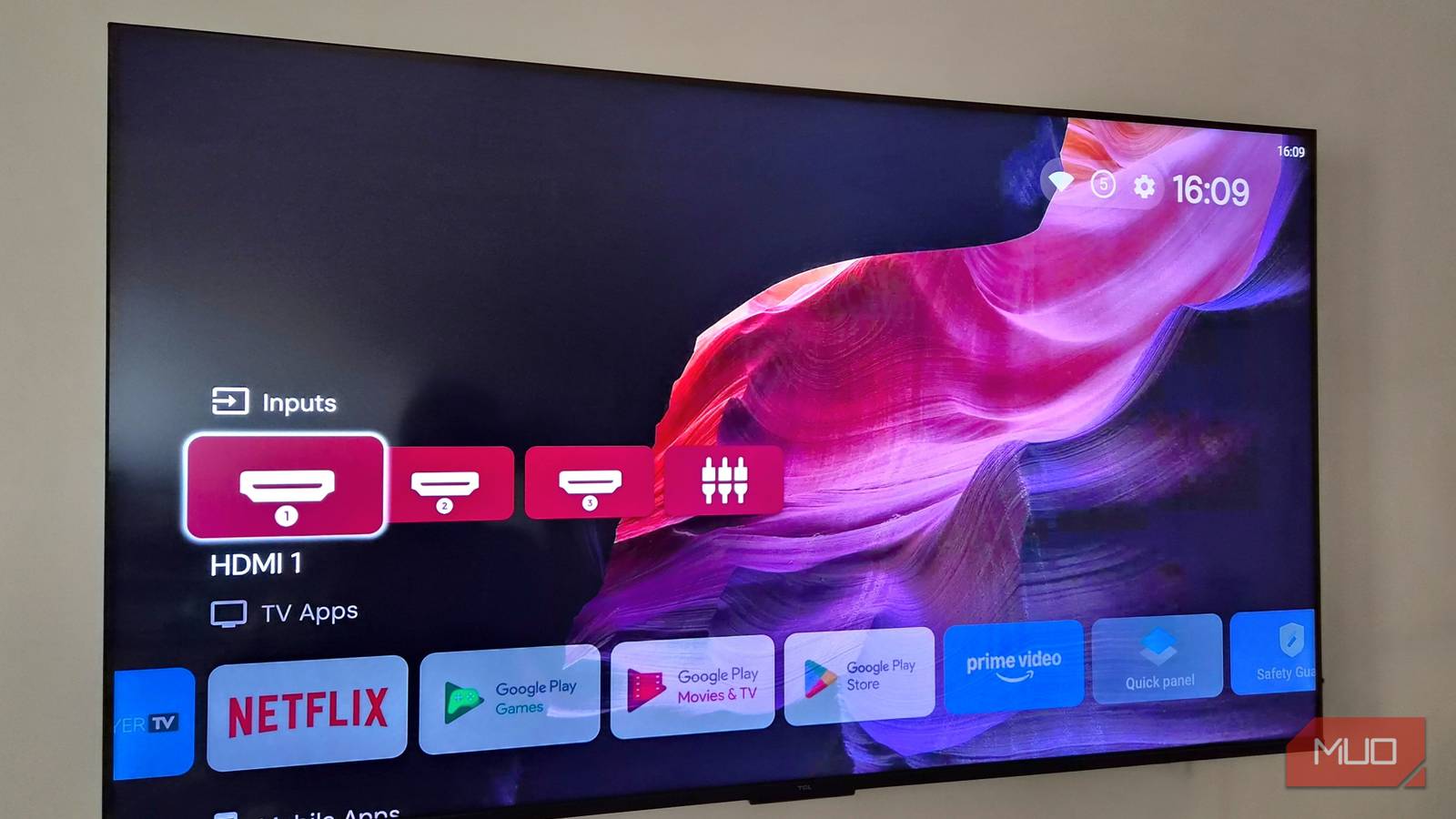
The first thing you’ll notice when turning on a smart TV is flashy banners, rows of content and those annoying auto-playing previews. It’s chaotic and often more about pushing ads on your TV than helping you actually watch something. And the reason this feels normal is that almost every smart TV on the market is like that.
But what if there was a way to reclaim your viewing experience without spending a dime? A growing number of users are discovering that a simple, free software adjustment can transform their smart TV interface from ad-cluttered chaos into a clean, personalized dashboard. This isn’t about blocking ads at the network level or sideloading risky applications—it’s about leveraging built-in customization options that manufacturers bury deep in settings menus.
At the heart of this transformation is ProjectIVY Launcher, a free, open-source home screen replacement designed specifically for Android TV-based smart TVs. Unlike traditional launchers that prioritize content promotion and sponsored rows, ProjectIVY offers a minimalist interface focused solely on user-selected apps and inputs. Users report significantly faster boot times, reduced visual noise, and the elimination of auto-playing trailers that previously hijacked the startup sequence.
The appeal lies in its simplicity: no subscription fees, no rooting required, and no voiding of warranties. Installation occurs through the TV’s native app store or via direct APK sideloading using a USB drive—a process documented in step-by-step guides by independent tech reviewers. Once activated, the launcher replaces the default home screen with a customizable grid where users pin only the streaming services, live TV inputs, or media players they actually use.
One of the most frequently cited benefits is the removal of autoplaying video previews. On stock launchers from brands like TCL, Hisense, and Sony, the home screen often begins playing trailers for promoted content the moment the TV powers on. These previews consume bandwidth, delay access to desired apps, and frequently showcase programming the viewer has no interest in. With ProjectIVY, the screen remains static until the user makes a selection—a change described by users as “like turning off a noisy roommate who won’t stop talking.”
Beyond aesthetics, performance improvements are measurable. Because the launcher avoids loading heavy ad frameworks and recommendation engines, system resources are freed up for smoother navigation. On older or lower-spec Android TV devices, this can indicate the difference between a laggy interface and one that responds instantly to remote inputs. Some users have reported reduced heat generation and quieter fan operation as a side effect of lower CPU load during idle states.
Security and privacy considerations also factor into the decision to switch. Stock launchers frequently transmit viewing habits, app usage patterns, and device identifiers to manufacturer servers and third-party analytics providers. ProjectIVY, by contrast, operates entirely offline unless the user explicitly enables optional features like weather widgets or clock synchronization. Its open-source nature allows anyone to inspect the code for hidden trackers or data collection routines—a transparency rarely offered by proprietary TV software.
Compatibility remains a key consideration. ProjectIVY is designed for devices running Android TV 9.0 or later, which includes the majority of smart TVs sold since 2019. Users with older models running legacy Smart TV platforms (such as Tizen, webOS, or Roku OS) will need to explore alternative launchers specific to those ecosystems, though similar principles of interface simplification apply.
Installation requires enabling “Unknown sources” in the TV’s security settings—a standard precaution for sideloading apps outside the official store. While this setting carries inherent risks if misused, pairing it with trusted sources like the official ProjectIVY GitHub repository minimizes exposure. The development team provides SHA-256 checksums for each release, allowing users to verify file integrity before installation.
Customization options extend beyond app placement. Users can adjust icon sizes, change background colors, set custom wallpapers, and even create folders to group similar applications (e.g., grouping all streaming services together). Advanced users have shared configurations that mimic the clean layouts of premium streaming devices while retaining full access to live TV, gaming consoles, and external media players connected via HDMI.
The community around ProjectIVY remains active, with regular updates addressing compatibility with newer Android TV versions and adding refinements based on user feedback. Discussion forums and GitHub issue trackers show steady engagement from both developers and end-users, suggesting the project has moved beyond novelty into a sustainable tool for TV interface refinement.
For those hesitant to modify their TV’s software, it’s worth noting that the change is entirely reversible. Switching back to the default launcher takes seconds through the home settings menu, and all prior configurations remain intact should the user wish to return later. This low-risk, high-reward dynamic has encouraged experimentation among users who previously avoided any form of software tinkering.
As smart TVs continue to evolve as advertising platforms first and entertainment devices second, tools like ProjectIVY represent a quiet but growing movement toward user-centric design. They remind us that the technology we invite into our living rooms should serve our preferences—not the other way around.
The next official update to ProjectIVY Launcher is expected following the release of Android TV 14, with developers currently testing compatibility on beta firmware from select manufacturers. Users interested in tracking progress can visit the project’s official repository, where release notes and installation guides are maintained.
Have you tried replacing your smart TV’s home screen? What changes made the biggest difference in your daily viewing experience? Share your thoughts in the comments below—we read every response and may feature notable setups in a future follow-up.
Worth a look