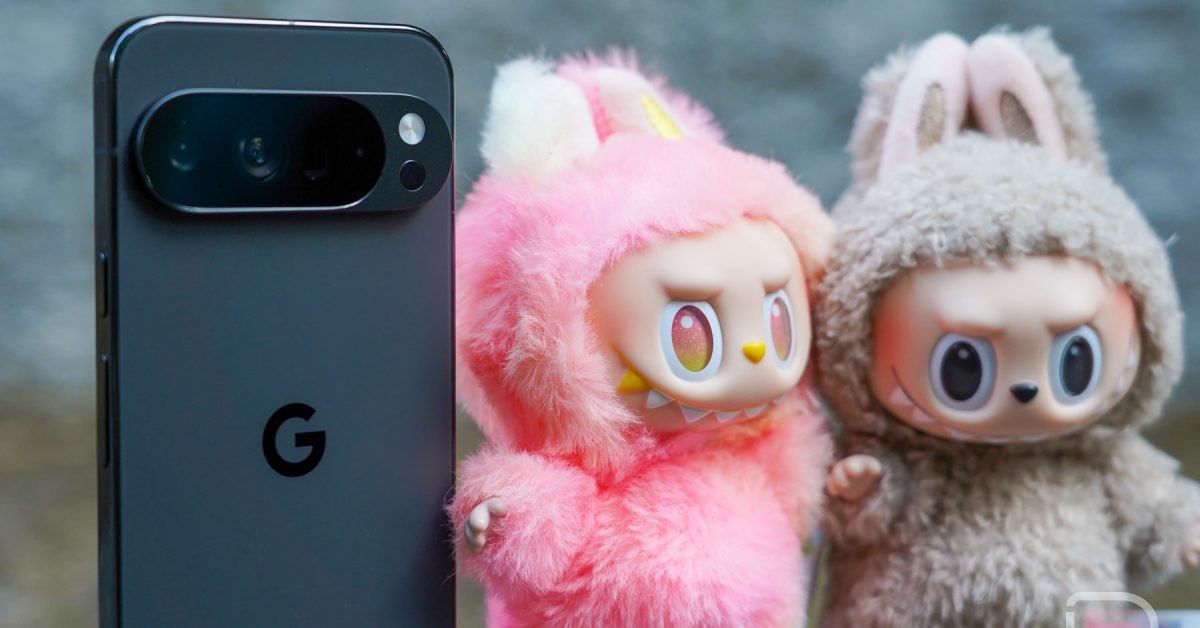
Pixel 10 & POP MART App Issues: A Collector’s Guide to Troubleshooting & What We Know
So, you’ve just unboxed the shiny new Pixel 10 or Pixel 10 Pro - congratulations! You’re likely thrilled with the cutting-edge features, the promise of amazing AI capabilities, and that upgraded Qi2 wireless charging. But what if your excitement hits a snag when trying to snag the latest Labubu collectible from POP MART? You’re not alone.A growing number of pixel 10 users are reporting a frustrating issue: the POP MART app simply won’t open.
This isn’t just a minor inconvenience for dedicated collectors.Its a puzzling problem that highlights potential software compatibility issues with Google’s newest flagship phones. Let’s dive into what’s happening, why it’s happening, and what you can do about it.
The Problem: POP MART App Crashing on Pixel 10
the core issue is straightforward: after installing the POP MART app on a Pixel 10 or Pixel 10 Pro, tapping the icon results in the app launching briefly… and then immediately closing.It doesn’t load, doesn’t display an error message – it just vanishes. this is impacting users who’ve upgraded from previous Pixel models (like the Pixel 9 Pro) and those brand new to the Pixel ecosystem.
Reports are flooding in from multiple sources, including the Google Play Store listing and dedicated Pixel communities like Reddit (https://www.reddit.com/r/pixel_phones/comments/1n4lfqd/popmart_app_not_opening_in_pixel_10_pro_xl/). It’s a widespread problem, and it’s causing frustration for collectors eager to expand thier Labubu collections.
Why is This Happening? Potential Causes
Pinpointing the exact cause is proving tricky. Here’s a breakdown of the leading theories:
* Android 16 Compatibility: The Pixel 10 ships with Android 16, the latest version of Google’s mobile operating system. The most prevalent speculation is that the current version of the POP MART app isn’t fully optimized for Android 16. This could be due to changes in the Android framework or specific APIs the app relies on.
* Recent App Update: Some users suspect a recent update to the POP MART app itself introduced the bug. While downgrading to older versions has been attempted, it hasn’t consistently resolved the issue.
* Pixel 10 Specific Issue: It’s possible the problem isn’t Android 16 in general, but a specific incompatibility between the POP MART app and the hardware or software configuration unique to the Pixel 10 series.
* Code Signing/Verification: A less common, but possible, issue could relate to how the app is digitally signed and verified by the Android system. Changes in Google’s security protocols could be triggering a conflict.
Troubleshooting steps: What You Can Try
Before waiting for a POP MART app update,here are several troubleshooting steps you can attempt. While none are guaranteed to work, they’re worth trying:
- Basic Troubleshooting:
* Restart Your Pixel 10: A simple reboot can often resolve temporary software glitches.
* Clear Cache & Data: Go to Settings > Apps > POP MART > Storage & Cache. Tap “Clear Cache” and then “Clear Storage.” Note: Clearing storage will require you to log back into the app.
* Force Stop the app: In the same Apps section, tap “Force Stop.”
- Advanced Troubleshooting:
* Archive & Restore: In Settings > Apps > POP MART, try archiving the app (this removes it but keeps your data) and then restoring it.
* Check for System Updates: Ensure your Pixel 10 is running the latest Android 16 updates. Google frequently releases patches that address compatibility issues.
* Beta Program (Caution): If you’re cozy with potential instability, consider joining the POP MART app beta program (if available) via the Google Play Store. This might give you access to a fix before the public release.
- Workarounds (Limited):